Artificial Intelligence (AI) tools are becoming more and more popular across a range of industries, including podcasting. However, with so many options available, it can be difficult to know which podcasting AI tools are worth it.
It’s easier to find the right AI software for your podcast when you know what to look for. For example, there are podcasting AI tools to help you be more productive and improve the quality of your show.
In this post, we’ll take a closer look at podcasting AI tools. Then we’ll explore five of the best options for your podcast. Let’s jump right in!
What Are Podcasting AI Tools?
The global Artificial Intelligence (AI) market has more than doubled between 2021 and 2023. What’s more, its value is forecast to grow twentyfold by 2030.
AI has become a part of many people’s everyday lives. Plus, it’s been implemented across a range of industries including fashion, finance, and healthcare.
What makes AI so popular is its ability to perform certain tasks much faster than a human. When it comes to podcasting, you can use AI tools to generate episode ideas or even edit your audio recordings. This can speed up your workflow and increase productivity.
However, podcasting AI tools can also make podcasting more accessible for beginners who lack technical skills. For instance, if you’re not the best writer, you can use content generators to create show notes, titles, and more. Meanwhile, other options let you remove background noise, which can make editing a lot easier.
Still, there are some limitations to consider. AI software is based on algorithms. While these are regularly updated, you may need to review AI-generated material to make sure it’s accurate and reflects current trends.
Additionally, since AI scours the web for publicly available information, there’s always the risk of plagiarism. That’s why it’s best to use AI podcasting tools to complement your existing non-AI podcast tools workflow, rather than replace it.
5 Best AI Podcasting Tools
Now that you know a bit more about AI podcasting, let’s check out five of the best tools to improve your show.
1. Descript
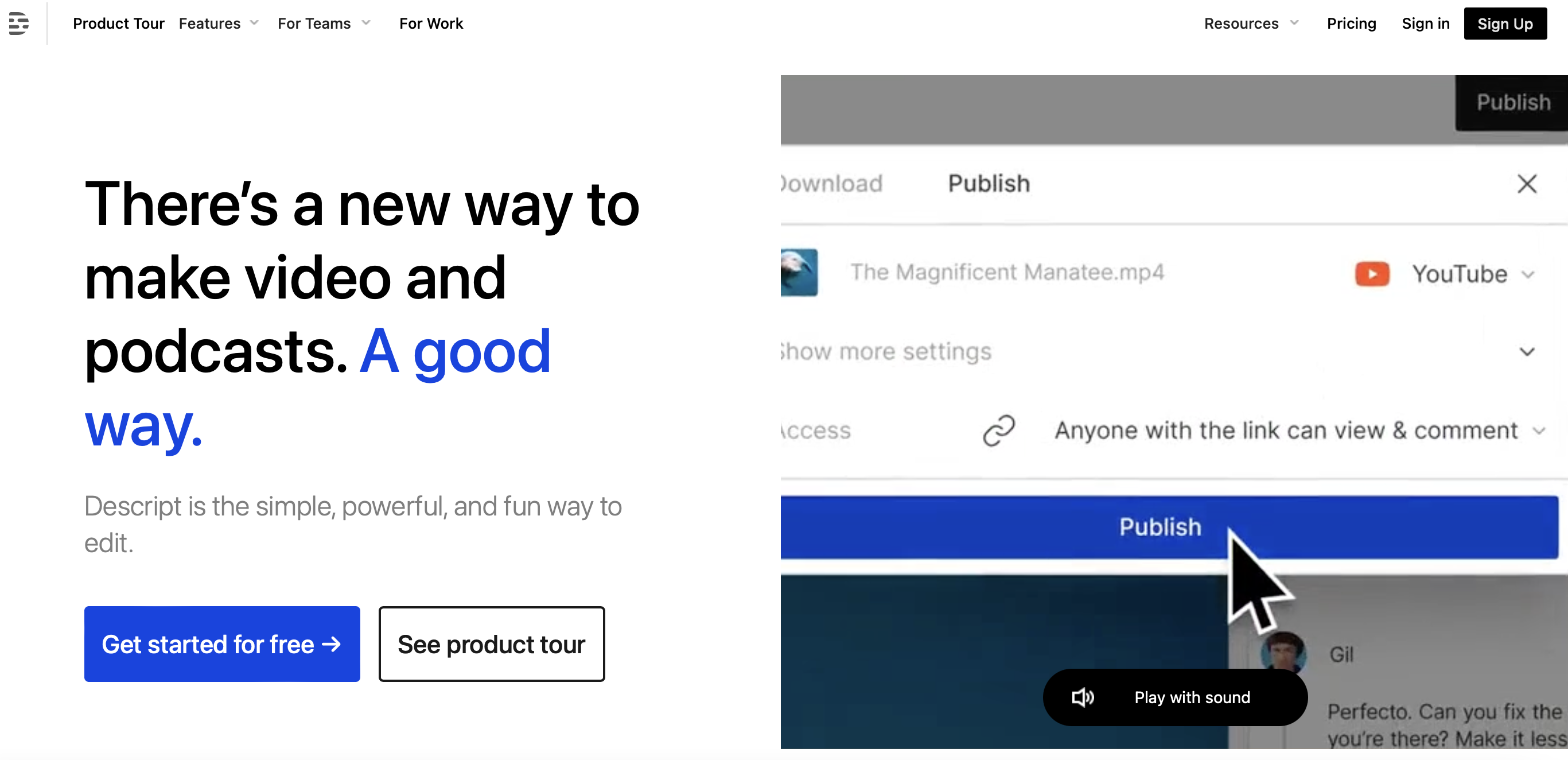
Descript offers a wide range of AI-driven features that simplify the editing process. For example, the voice synthesis feature allows you to remove unnecessary words or phrases from your audio recordings. Meanwhile, the voice cloning feature lets you set up a podcast narrator that sounds just like you.
Better yet, you can convert audio to text automatically for your podcast transcriptions, and edit it as you would a Google Doc. This is also a great option if you want to start a video podcast or YouTube channel.
You’re able to merge text, audio, and video, all in one interface. You can also replace your video background with any graphic, image, or video effect. Plus, you can access a variety of stock photos and videos if you want to create content for social media.
Key Features
- Video editing and multitrack audio editing
- Speech-to-text transcription
- Voice cloning
- Green screen effect
- Filler word remover
- Social post writer
Pricing
There’s a free version of Descript, but it’s very limited. You can upgrade to a premium plan starting at $12 per user per month (billed annually).
2. Otter
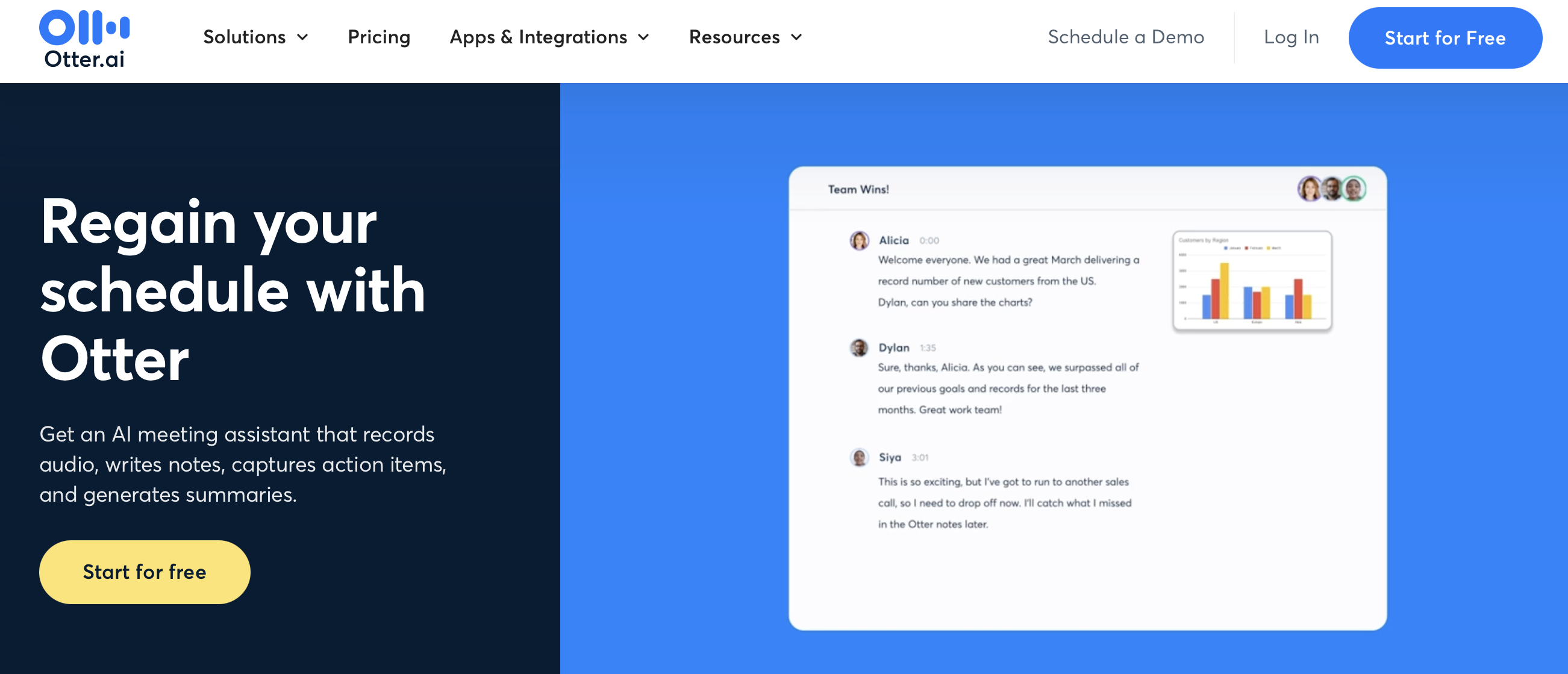
Otter functions best as a sophisticated transcription AI tool, enabling you to quickly convert speech to text. You can use it while brainstorming ideas with your co-host. Alternately, you might use Otter when conducting pre-interview chats with your podcast guests.
However, Otter can serve lots of other purposes. For instance, it works great for taking notes during meetings. It can even summarize key points and takeaways, which are ready by the end of the session.
Key Features
- Record, transcribe, and summarize meetings
- Write and share notes across Zoom, MS Teams, or Google Meet
- Team features like assign actions
- Real-time captions
- Easily correct and edit transcriptions
- Live chat feature
Pricing
Otter offers a basic free plan if you’re just getting started. However, paid plans start at $10 per user per month (paid annually).
3. Whisper
Whisper is predominantly an automatic speech recognition tool that’s been developed by OpenAI. It offers a great way to make your show more accessible and reach a wider audience with SEO.
The software is trained on 680,000 hours of multilingual and multitask data, which can improve its awareness of accents, background noise, and technical language. Therefore, you can use it to transcribe your podcast episodes in different languages, and translate from different languages into English.
Key Features
- Automatically transcribe episodes
- Perform accurate to-English speech translation
- Language identification
- Phrase-level timestamps
- Integrates with editing software to enable voice-controlled editing
Pricing
Whisper is an open-source AI tool, so it’s completely free to use.
4. Auphonic
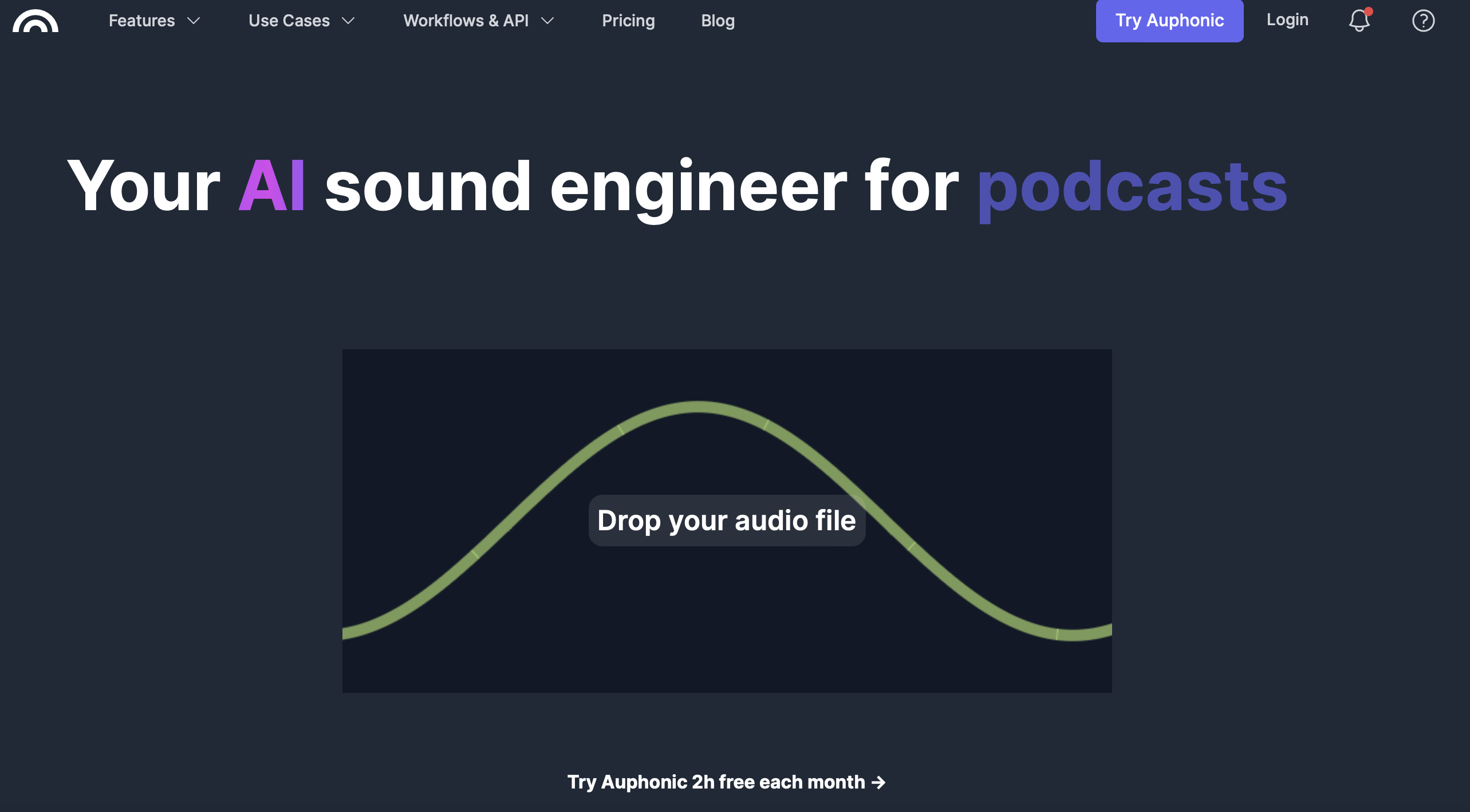
Auphonic is an advanced podcasting AI tool that automates much of the production process. For instance, you can remove background noise from audio files, apply background music, and change the volume of episodes.
It also comes with tools that can simplify post-production editing. While it doesn’t function as a dedicated video creation platform, you can cut videos down to clips, generate captions, and share clips straight to YouTube.
Key Features
- Intelligent leveler to balance speakers, music, and speech
- Noise and reverb reduction
- Filtering and AutoEQ to create a clear sound
- Cut filler words and silence
- Automatic show notes
- Speech-to-text
Pricing
You can use Auphonic for free for two hours every month, or upgrade to one of the paid plans, which start at $10 per month (billed annually).
5. Loudness.fm
Loudness is offering an automatic audio mastering service for podcasters. It helps you make your podcast sound great without needing to manually normalize sound levels, remove background noises etc.
Loudness is using an AI engine that listens to your audio, and then automatically make adjustments to it to ensure it sounds as good as it can.
Key Features
- One click processing – easy to use
- Automatically reduces background noise, normalize sound/speech levels
- Using a custom AI engine – you only have to upload the audio files.
Pricing
You can can choose between a credit system (pay as you go) and a subscription option. Both depend on the number of audio hours you need to process. The pricing ranges between $0.95 and $2.40 per hour, depending on the total number of hours you need.
Conclusion
If you’re looking to make your podcast more efficient and take your show to new heights, you can implement a range of podcasting AI tools. This can make it much quicker and easier to complete routine tasks. Plus, it’s a great way to go beyond your skill level without going over budget.
To recap, here are five of the best podcasting AI tools:
- Descript: Best for video podcasts.
- Otter: A sophisticated transcription tool, great for podcast interviews.
- Whisper: An automatic speech recognition system that can make your show more accessible.
- Auphonic: A full podcast production tool.
- Loudness: Automatic podcast mastering.
While podcasting AI tools are a great way to grow your show, a podcast website can also help you expand your reach. Plus, it’s easy to create one when you use a podcast platform like Beamly for podcast hosting, website building and monetization. It offers automatic episode imports, customizable templates, and a sophisticated audio player. Get started today!