ratings
Rated 5/5 from 1,000+ creators

Private Podcast Platform​

Offer private audio and video feeds to the people who matter most, without giving up control of your brand or revenue. Beamly gives creators and teams a private podcast hosting platform to create private RSS feeds, run memberships, publish member-only episodes, and share internal updates from one branded website.

What is a private podcast?

A private podcast is a show where all or some episodes are restricted to a specific audience instead of being open to the public. Access is controlled through private RSS feeds, memberships, purchases, or direct logins on your site, so only approved listeners can play the content.

Unlike a public podcast that appears in every directory and can be followed by anyone, a private podcast is designed for a defined group, such as paying members, coaching clients, employees, or students. It can be audio only, video only, or a mix of both.

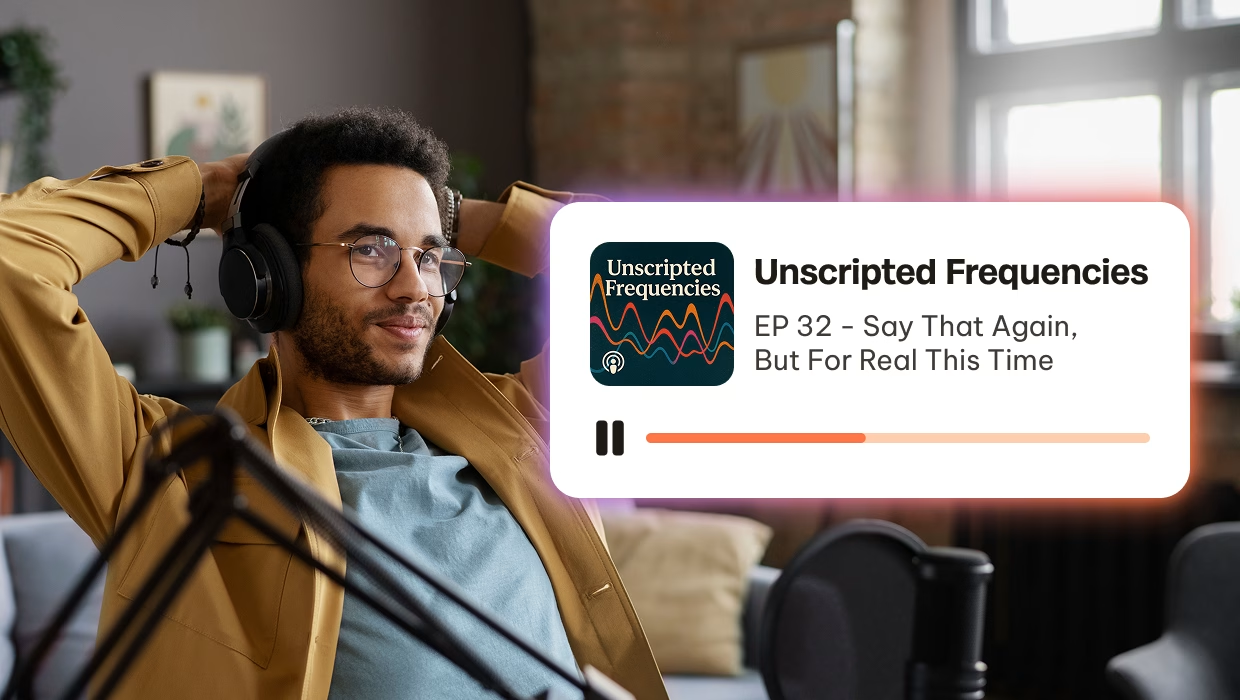
With the right private podcast platform, you can still give listeners the familiar experience of subscribing in a compatible podcast app, while also letting them stream directly from your own website.

Who private podcasts are for

Private podcasts are a flexible format that can support very different types of creators and organizations.

Creators and membership sites

If you run a public show already, a private feed is a natural way to reward your most loyal fans.
  • Offer bonus episodes, extended interviews, and behind the scenes content
  • Share ad-free or early access versions of your regular show
  • Launch a second, members-only podcast under the same brand
When the private feed is tied to a membership on your own site, you keep direct control over pricing, benefits, and the listener relationship.
 

Course creators, coaches, and educators

Many people prefer to learn on the go instead of sitting in front of a screen. A private podcast lets you turn your existing curriculum into audio. When lessons are one tap away in a podcast app, students are far more likely to finish the material instead of abandoning half-watched videos.
  • Deliver lesson recaps, office hours, and implementation prompts
  • Turn group coaching calls or Q&A sessions into an easily searchable audio archive
  • Support students with reminder episodes and follow up series between live calls
With Beamly, you can host both your courses and your private podcast on the same site, then restrict access by plan or cohort.
 

Companies and teams

Private podcasts are ideal for internal company podcasts, onboarding, training, leadership updates, and communication in distributed or hybrid companies. Team members can listen while commuting, working out, traveling, or handling routine tasks.
  • Record executive messages or short company-wide updates
  • Publish onboarding series and training modules as audio or video
  • Share internal interviews, success stories, and culture focused content
You decide whether employees follow the feed in compatible podcast apps or log into a secure internal site, depending on your security needs.
 

Private RSS feed: what it is and how it works

A private RSS feed (sometimes called a “private feed”) is a podcast feed URL that is not publicly listed in directories. Instead, it is shared only with approved listeners, so new episodes appear automatically in compatible podcast apps.
 
The most secure setup is a private RSS feed that is unique per listener, because access can be revoked for one person without disrupting everyone else. That is how Beamly handles private feeds when they are tied to memberships.


How listeners add a private feed

There are two common ways subscribers listen to private podcasts:

1. In a podcast app (via private RSS): Copy the private feed URL and add it as a custom feed in a compatible app. New episodes show up automatically like any other subscription. Apps such as Apple Podcasts, Overcast, Pocket Casts, or other players support custom feeds. New episodes then appear automatically, just like a regular subscription to a public podcast.


2. On your website (via login): Log in and stream episodes directly from your Beamly site. This is ideal for listeners who do not want to manage feed URLs.

podcasting

Host your private podcast on Beamly

Beamly was built for podcasters who want private podcast hosting plus the website, membership, and monetization layer around it.

It is more than a hidden feed: members can join, listen, browse, pay, and access related content from your branded website.

All your content in one place

Beamly combines podcasts, videos, blog posts, digital downloads, and even full courses on a single branded website. You can create multiple shows, video channels, and resource pages without juggling separate tools.

Private podcast RSS feeds

Deliver episodes through private RSS feeds that work with compatible podcast apps, or let members stream directly from your website – whichever fits each listener best.

Built-in memberships and paywalls

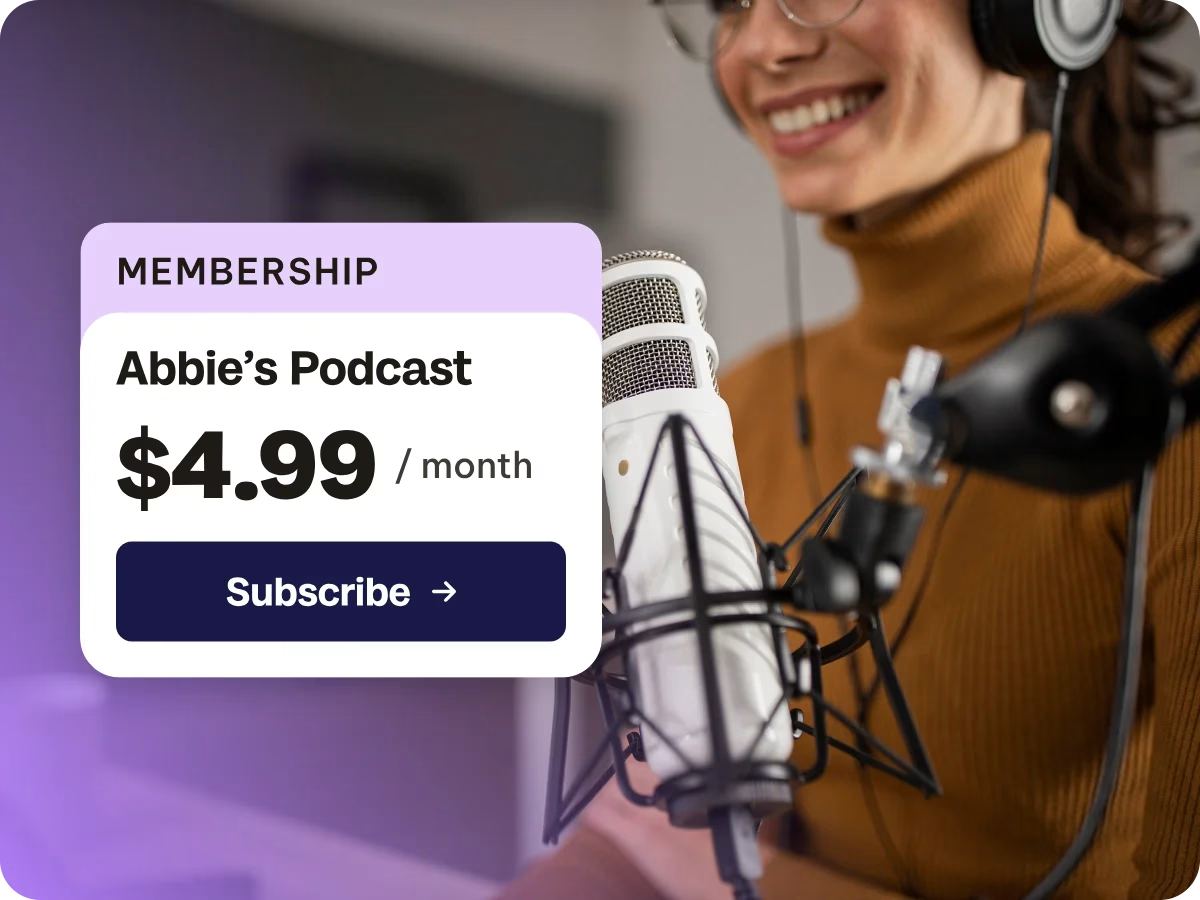
You can set up free and paid membership plans, connect Stripe, and start accepting payments in minutes. Beamly supports recurring subscriptions and one-time products, so you can offer monthly memberships, seasonal passes, bundles, or standalone series.

Beamly takes 0% platform fees on memberships and products; standard Stripe processing fees apply.

Advanced private podcast features

Beamly’s private podcast hosting takes care of the hard parts: private RSS delivery, website listening, access rules, member plans, and content organization.

For shows hosted on Beamly, built-in podcast analytics cover your private episodes too, so you can see downloads, listening apps, and trends for the content only your members can hear.

Full website builder and SEO

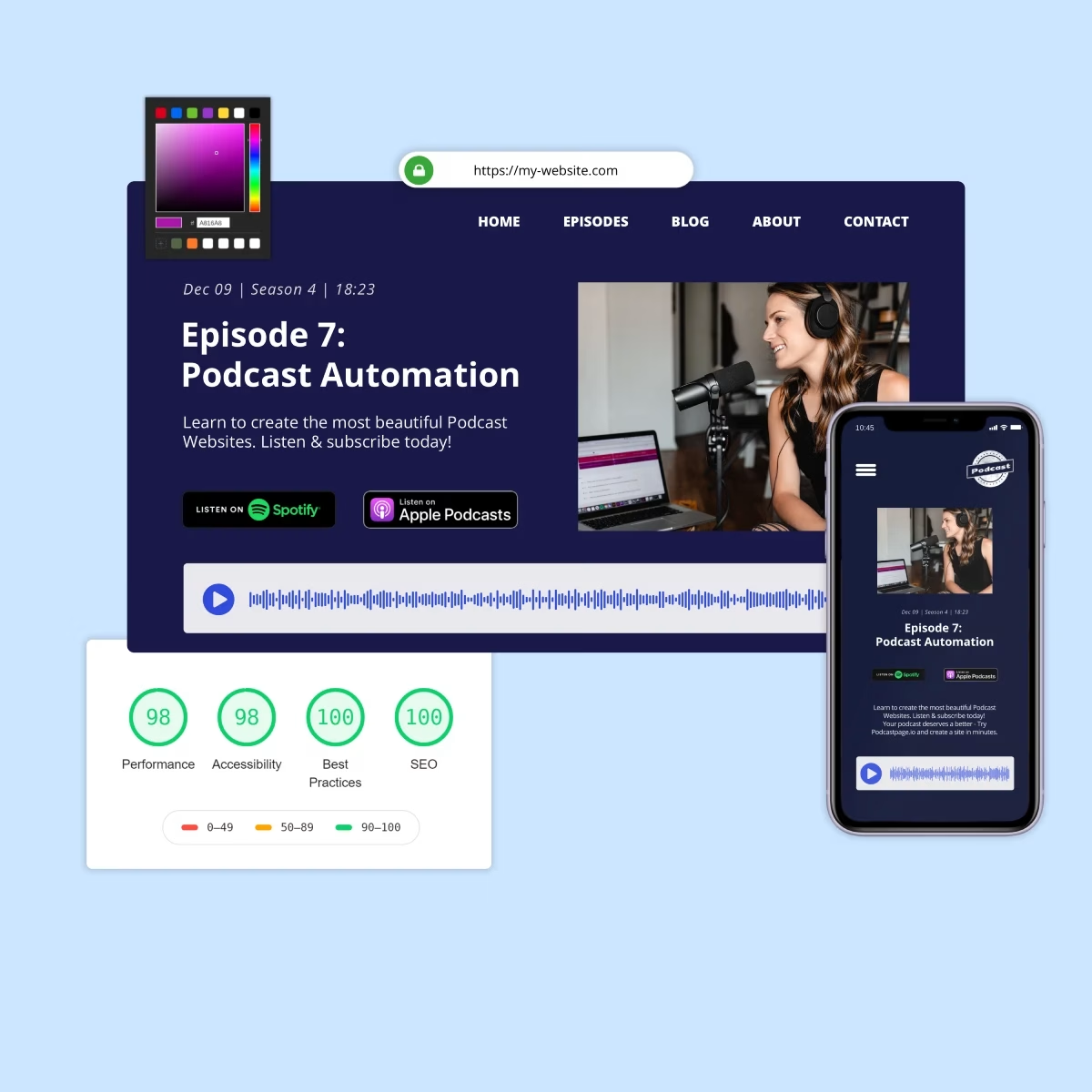
Beamly includes a modern, drag & drop page builder and a library of podcast-ready templates. You can customize layouts, colors, and typography without code, then optimize pages with built-in SEO tools, structured data, and analytics integrations.

Own your audience and payments

All members and billing live in your own Stripe account. You have full access to your customer list, subscription status, and payment history, and you are free to change plans or providers without losing your audience data.

Unique feed URLs per member

Every member gets their own private RSS feed URL, so you always know who has access and can grant or revoke a single listener’s feed without touching anyone else’s. For each audience, you choose between app-based private RSS, login-only website listening, or both – with audio and video feeds supported.

How to launch a private podcast on Beamly

You do not need to rebuild your entire production process to start a private show.

1. Create or import your podcast

Start a new audio or video podcast in Beamly, or import an existing public show via its RSS feed. Choose a template so your site and episode pages are ready in minutes.

2. Connect Stripe and set up plans

If you plan to sell paid membership tiers or products, connect Stripe to start accepting payments directly on your site.

3. Mark content as members only

Choose which episodes, blog posts, pages, videos, and courses are restricted to each plan. You might gate an entire podcast, or only select episodes.

4. Share your link and start growing

Share your membership page from your site, social channels, and public episodes. Once listeners join, they pick their podcast app from clear instructions and are subscribed to their private feed in a couple of taps – or they simply press play on your website.

Who is it for?

Beamly supports private podcasting for creators and teams that need more than a hidden audio file. You can combine private audio, video, member pages, courses, and downloads on one branded site.

Premium podcast creators

Offer bonus episodes, ad-free feeds, paid archives, or private seasons for members.

Coaches and educators

Turn lessons, office hours, or training recaps into private audio and video libraries students can revisit.

Companies and teams

Publish internal updates, onboarding content, leadership messages, and training material without listing the show in public podcast directories.

Multi-format creators

Bundle private podcast feeds with videos, posts, digital downloads, and courses so the paid experience feels like a complete content hub.

I switched from my previous platform to Beamly years ago, and I’ve never looked back!

I was looking for a platform I could easily configure myself without spending hours on it, and Beamly has been exactly that.
Jérôme Colombain​

Monetization options with private podcasts

Private podcasts fit naturally into a broader monetization strategy for your show or business.

1Recurring memberships: Charge a monthly or yearly fee for access to your private feed and related resources

2. One-time products: Sell standalone seasons, workshops, or bundles without requiring a subscription

3. Digital downloads: Attach workbooks, templates, transcripts, or slide decks as part of your offers

4. Other revenue streams: Combine memberships with sponsorships, affiliate links, or courses when it makes sense for your audience


Private Podcast FAQ

A private RSS feed is a podcast feed URL that is not listed in public directories and is shared only with approved listeners, so you control exactly who can subscribe.

Private feeds work like standard podcast subscriptions, except the feed link is not public. Approved listeners add the private feed URL to a compatible podcast app (or listen on your website), and new episodes appear automatically.

Host your episodes on a platform that supports private RSS feeds and access control. With Beamly, private podcasts can be delivered via unique RSS feeds per member and/or streamed behind a login on your site, with memberships handled through Stripe.

A public podcast is open to anyone and usually appears in directories like Apple Podcasts or Spotify. A private podcast is restricted to a defined audience such as members, clients, employees, or students. Access is controlled through private RSS feeds or a login on your site, and episodes are not listed publicly.
It helps to have some existing listeners before you launch paid memberships or premium feeds, but you do not need millions of downloads. A small, engaged audience can convert better than a very large, passive one. Many creators start with a free public show and gradually add private perks for their most dedicated fans.

Yes. You can host and distribute video podcasts through RSS feeds in addition to audio.

Create (or import) a podcast, decide how access should work, then restrict episodes so only approved listeners can access them. Beamly supports gating an entire show or only selected episodes.

Yes. Because Beamly uses Stripe for payments and supports multiple membership tiers, many podcasters move from tools like Patreon, Buy Me a Coffee, or host specific membership add-ons. You can recreate your plans in Beamly, import your public podcast, and gradually invite existing supporters to switch over.
Most podcast apps that allow you to add a custom RSS feed can be used for private podcasts. Popular options include Apple Podcasts, Overcast, Pocket Casts, Podcast Addict, and similar players. Some major apps do not support external private feeds, which is why Beamly also provides a full web listening experience for members.
Yes. Companies and teams use Beamly mainly for private or internal shows. You can create a site that is focused on members only content, restrict access to specific groups, and avoid publishing any episodes to public directories if that is your preference.

Yes. Beamly supports one-time products alongside recurring memberships. You can sell a season, workshop series, or bundle of episodes and related resources for a single fee.

Because each member can have a unique RSS URL, it is easier to identify and revoke access for that specific feed if needed. You can also adjust your plans and access rules at any time from your Beamly dashboard.

Yes. A private podcast does not have to be all-or-nothing. Many creators keep a public show and reserve select episodes (bonus content, ad-free versions, early access, or a separate members-only series) for private listeners.

Yes. Private podcasting works well for internal updates, onboarding, training, and leadership messages. Beamly can gate access through a secure website login and/or private RSS feeds, depending on the security and listening experience your team needs.

Look for private RSS feeds, access revocation, website listening, membership or payment controls, support for audio and video, and a clear way to manage listeners. Beamly combines those features with a full podcast website and Stripe-powered memberships.

Launch your private podcast today

Beamly gives you everything you need to host, share, and monetize your private podcasts – all under your brand with 0% platform fees.