Podpage vs Beamly

Podpage and Beamly (formerly Podcastpage.io) both help podcasters publish a website, but they are built for different goals.
Podpage is designed for simple podcast sites. Beamly is a modern, all-in-one creator platform with a full website builder, multi-format publishing, and built-in monetization with 0% platform fees.
podcasting

What's the difference between Beamly and Podpage?

Podpage will let you create a basic podcast website. It’s OK if you just need a simple site and do not need advanced layouts or multiple content types.

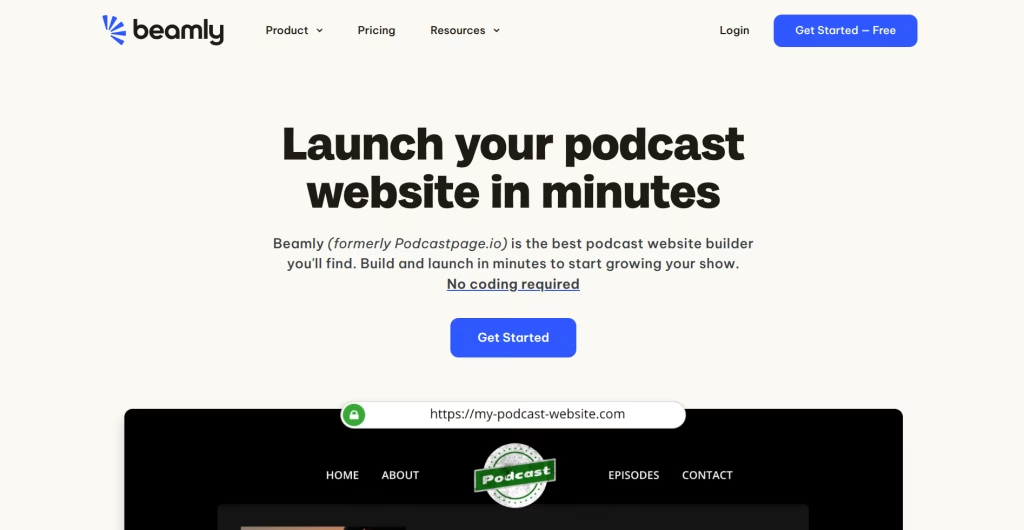
Beamly (formerly Podcastpage.io) is a creator platform built for podcasters and versatile creators who want a real website they can grow over time. It gives you full control over layout, content formats, and monetization on your own domain.

With Beamly, you are not limited to a fixed layout or a single page template. Pages can be designed with a drag-and-drop builder, and the website can expand beyond episodes into blog posts, landing pages, videos, and member-only content.

What podcasters usually outgrow on Podpage

Podpage works when your mindset is “set it and forget it”. However if you’re a serious podcaster who needs more than just a static page – that’s when things become tricky.

Publishing custom layouts or blog posts can be a setback, while many formats are simply missing like built-in audio/video uploads, memberships, monetization and more.

Many podcasters start looking for a Podpage alternative when their website needs to do more than list episodes:

      • Custom page layouts (media kits, sponsor pages, lead magnets, funnels)

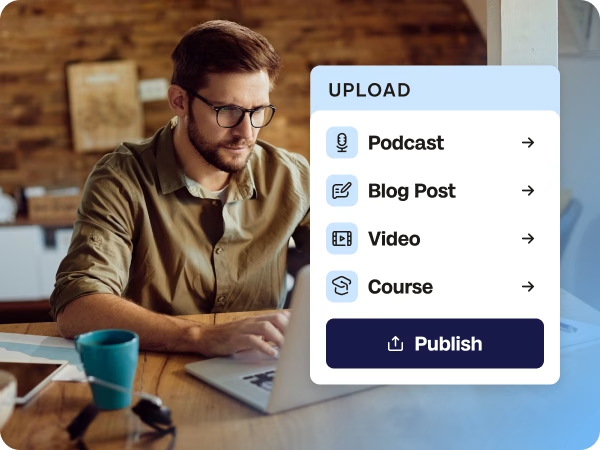
      • Multiple content types (blog posts, videos, courses, digital downloads)

      • Monetization on-site (memberships, products, private episodes, gated pages)

      • A branded website experience that looks and feels like a professional  home base.
    Beamly is a true podcast website builder, meaning you don’t have to settle for a basic page – Enjoy powerful features and full customization with this all-in-one platform.


    I’ve been using Beamly for several years now, and I honestly couldn’t do without it.

    Everything feels smooth, intuitive, and perfectly tailored to my needs. I was looking for a platform I could easily configure myself without spending hours on it, and Beamly has been exactly that. I love being able to update and improve my site over time, at my own pace.

    I especially appreciate the wide range of customization options, which let me create a site that truly reflects my brand, while keeping everything simple to use.


    I switched from my previous platform to Beamly years ago, and I’ve never looked back!

    Create a website that can grow with your podcast

    Beamly does not limit your website structure. You can scale from a simple podcast website into a full content platform over time:

    Full control over your website

    With Beamly, you own your site and can customize every detail. The drag-and-drop builder lets you create custom page layouts, add widgets, and design pages that go beyond a standard podcast template.

    You can also enjoy a much cleaner editing experience on your podcast show notes or blog posts, with a modern editor.

    Beamly includes multiple power-features that are not possible to add on Podpage.

    Many podcasters look for a Podpage alternative when they want more flexibility around pages, layout, and how content is presented.

    Monetize with 0% platform fees

    Beamly (formerly Podcastpage.io) includes memberships, paywalls, private podcast feeds, digital downloads, and an online store – all with 0% platform fees (standard Stripe processing fees apply).

    This means you keep more of what you earn compared to platforms that take a percentage of each transaction.

    Podpage does not include any built-in podcast monetization features. To add memberships or sell products, you would typically need to connect external tools.

    Try Beamly today.

    Podpage vs Beamly feature comparison

    If you are comparing Podpage alternatives, here is how Beamly stacks up.

    Features

    Beamly

    Podpage

    Switching from Podpage to Beamly

    If you already have a website on Podpage, switching to Beamly is usually straightforward:

    1. Connect your podcast RSS feed (Beamly imports episodes automatically).

    2. Customize your site with the drag-and-drop builder and templates.

    3. Add growth features like email capture, reviews, built-in comments and more.

    4. Monetize with memberships, private podcasts, or products.

    Need any help migrating your site? We’d love to help so please don’t hesitate to reach out.

    podcast website

    Podpage vs Beamly FAQ

    Beamly is a strong alternative when you want more than a template-based podcast site. It is built for creators who want a full website with publishing, SEO, and monetization under one brand.

    Yes. Beamly imports episodes automatically from any podcast RSS feed. If you need help migrating other content, the support team can assist with the transition.

    Both. Beamly can host your podcast or import it from any podcast host via RSS.

    Beamly supports private podcasts, video podcasts and regular audio podcasts, all directly on-platform.

    Yes. Beamly includes memberships and paywalls so specific episodes, pages, posts, or videos can be gated. It also supports private podcasts.

    Yes. Beamly is built for SEO-friendly publishing across episodes, posts, and landing pages, so your website can become a long-term traffic asset. For more, see the podcast SEO guide.

    Yes. You can connect any custom domain to your Beamly website. Free SSL is included so your site loads securely.

    Beamly plans start at $30/month (billed annually) and include memberships, private podcasts, and 0% platform fees. See the full pricing page for details.

    Switch to Beamly today

    Ready to try a Podpage alternative built for growth? Get a complete website for your podcast in just a few clicks. No coding required.