If you’ve been working on your podcast for a while now, or just getting started with one, you might have an existing set of tools you rely on. That said, it’s good practice to revise your current workflow and upgrade software regularly. The problem is that it can be difficult to identify the best podcasting tools.
There’s a large variety of tools that can help you transcribe audio files, record episodes remotely, and find relevant podcast guests. Plus, some of the best podcasting tools make it easy to set up a website to act as a dedicated space for all your content.
In this post, we’ll dive straight into the ten best podcasting tools to enhance your show, grow your audience, monetize your podcast and boost productivity. Let’s get to it!
1. Best Podcast Website Tool: Beamly
A podcast website provides a central space to list episodes, communicate with listeners, and set up a podcast blog. It’s also a great way to capture more organic traffic and build brand recognition.
But without design experience, the prospect of setting up a podcast website can be daunting. Fortunately, you can use a dedicated website builder like Beamly:
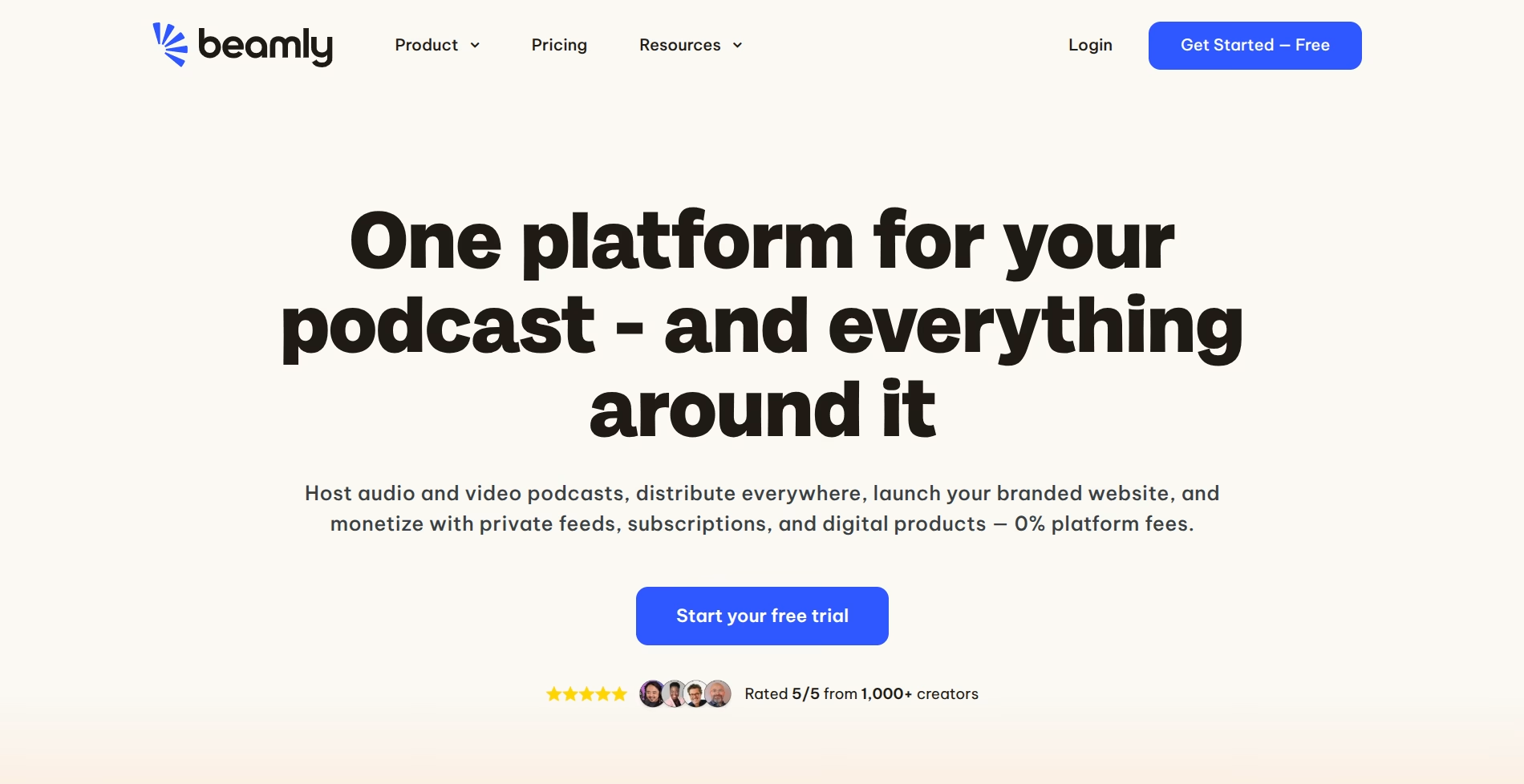
This way, you’ll get access to a library of stunning pre-made templates to customize the look and feel of your site. Since this platform is built specifically for podcasters, you’ll find all the features you need like automated episode imports, a customizable audio player, and podcast AI tools.
You’ll also get access to social and subscribe buttons to drive traffic to your social pages or build an email list. Plus, it’s easy to add contact forms, guest intake forms, and guest profiles. And, it comes with tons of useful integrations including Instagram, Podchaser, Stripe and Mailchimp.
Beamly also comes with built-in membership features, to allow you to require signups to access certain areas, add paywalls, and sell premium subscriptions to members!
2. Best Podcast Hosting & Monetization Tool: Beamly
If you want a single platform to publish your show and grow revenue, Beamly makes it simple. You can publish episodes on your site, present public and member‑only content, and monetize with built‑in memberships that charge via Stripe with 0% platform fees (processing fees apply). Beamly also includes AI helpers for transcripts, summaries, and SEO, plus smart subscribe buttons so new listeners can follow on Apple Podcasts, Spotify, YouTube Music and more.
Highlights:
- Publish episodes and manage public or member‑only content
- Built‑in memberships and paywalls with 0% platform fees
- AI tools for transcripts/show notes and SEO
- One website + publishing workflow to own your brand and audience
3. Best Microphone: Shure MV7+
A dedicated microphone instantly elevates your sound. The Shure MV7+ is a hybrid USB/XLR mic that’s beginner‑friendly today and studio‑ready tomorrow. It includes onboard DSP, refined off‑axis rejection, and a handy app for tone and processing presets. Prefer a budget option? The compact Rode NT‑USB Mini delivers clean results and an integrated pop filter at an affordable price.
4. Best Editing Tool: Adobe Audition
There are many options when it comes to podcast editing software. However, Adobe Audition provides complete flexibility and ultimate control over the editing process, making it a great choice for more experienced creators:
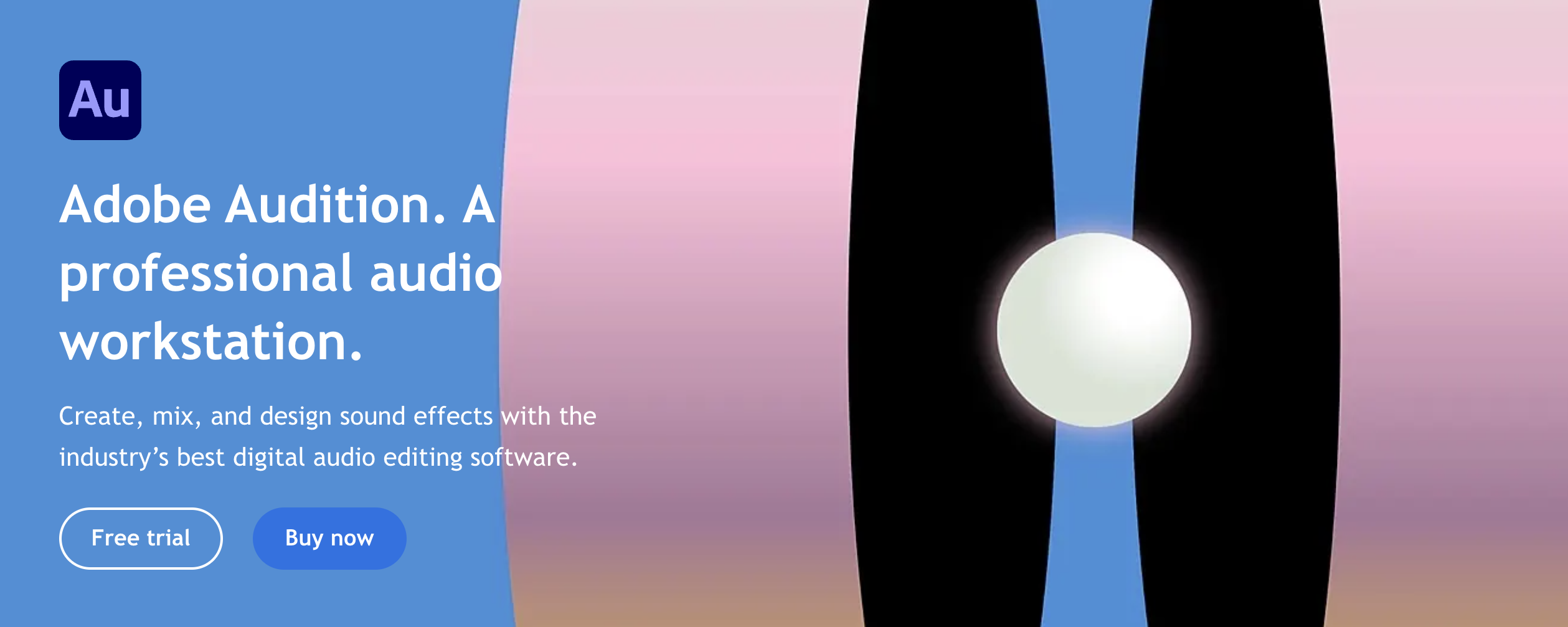
Batch processing capabilities are particularly useful since they allow you to apply effects to multiple episodes at once. This includes fade effects, music tracks, noise reduction, volume leveling, audio restoration, and more.
You’ll also get access to audio presets and templates which can speed up your workflow. You can even record your podcast using the Waveform editor or the Multitrack editor. Prefer text‑based editing? Consider Descript for edit‑by‑transcript workflows, and add Auphonic for automated loudness leveling and noise reduction.
5. Best Loudness Analyzer Tool: SoundAndGo
To check the loudness of your podcast audio files, or normalize these to the same level on all episodes, use this easy and free online tool by SoundAndGo:
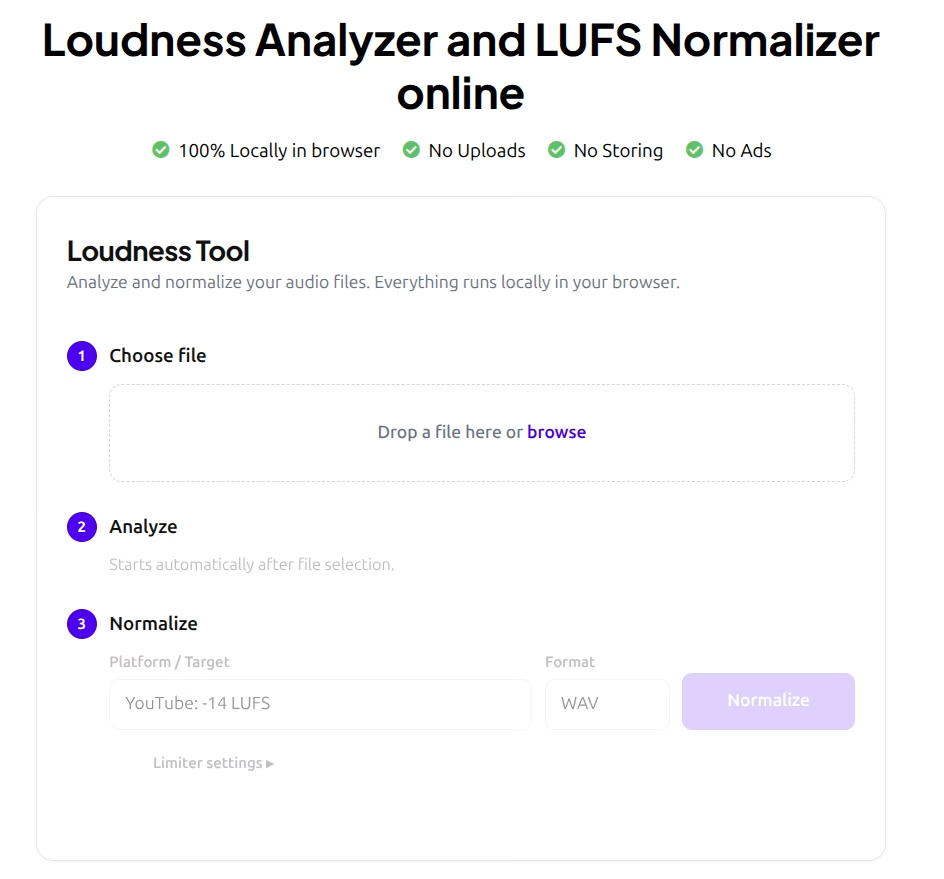
This Loudness Analyzer and Normalizer works and processes the files locally, directly in your browser, so your podcast episodes are safe and never leave your device.
6. Best Marketing Tool: Buffer
There are various ways to promote podcast episodes including paid advertising and search engine optimization (SEO). But social media gives you access to a massive global audience.
You can use a social media tool like Buffer to create, publish, schedule, and analyze social posts:

Buffer currently supports 12 social media platforms, including Instagram, TikTok, YouTube, and Twitter.
You’ll also get access to an AI assistant which can repurpose content, rewrite copy, and make hashtag suggestions. Plus, you can respond and react to listener comments to boost engagement.
7. Best Analytics Tool: Podtrac
The easiest way to grow your podcast is to learn more about listener activity and preferences. This makes it easier to optimize your episodes and target the right people.
With Podtrac, you can gain insights into your traffic volume and audience demographics, including age, gender, listening behavior, and more:
You can even track your podcast marketing campaigns. Plus, it’s a great tool to keep an eye on your download numbers, which can help you identify the right time to monetize your show with podcast advertisements.
8. Best Remote Recording Tool: SquadCast
If your co-hosts or podcast guests live far away, you may need to record episodes remotely.
Many podcasters rely on conferencing software like Zoom. But this is recorded over the internet, so it often results in poor audio quality.
Instead, it’s best to use a tool like SquadCast to capture high-quality video and audio content:
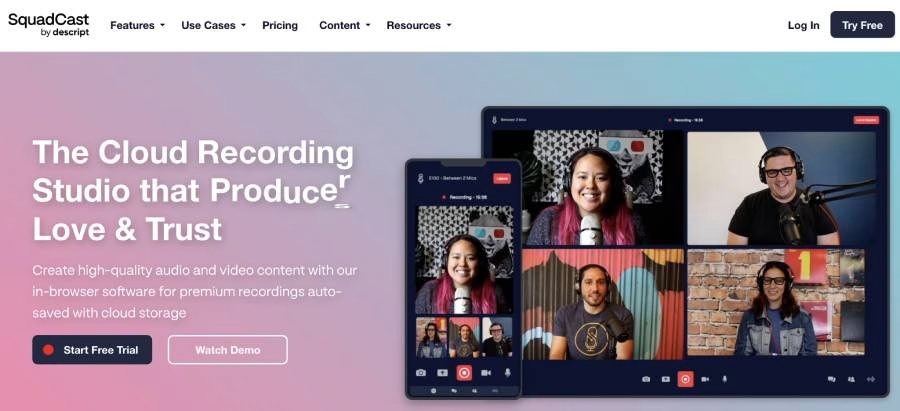
SquadCast records and auto-saves content to its cloud storage, so you’ll retain recordings even if you encounter technical issues. Audio and video files are also recorded separately to reduce syncing problems.
Plus, you can correct volume levels, mute sections, and clean tracks during editing. It also integrates with lots of podcast editing software which helps streamline the production process.
9. Best Production Console: RØDECaster Pro II
For in‑person recordings, an all‑in‑one console simplifies your setup. The RØDECaster Pro II offers high‑quality preamps, smart pads for music and stings, mix‑minus for calls, multitrack recording to microSD or computer, and an intuitive touchscreen. It’s a dependable hub for solo shows or round‑table formats.
10. Best Guest Matching Tool: PodMatch
It can be tricky to find good podcast guests that suit your podcast niche and audience.
While you can search for guests yourself, or place intake forms on your website, it’s much easier to use a platform like PodMatch:

This service connects podcast hosts with relevant podcast guests, and vice versa. All you have to do is create a profile and the platform automatically matches you with the right people.
You can view detailed guest profiles before sending messages to confirm participation. After that, you’re able to schedule recording dates, track past releases, manage tasks, and much more.
Conclusion
Podcasting is a very time‑consuming process that involves research, recording, editing, advertising, and more. Although you can handle these tasks yourself, you might prefer to streamline operations using the best podcasting tools available.
When recording episodes, a quality mic like the Shure MV7+ paired with a production console such as the RØDECaster Pro II can elevate your sound to the next level. For remote interviews, use Squadcast to capture high‑quality local tracks. For editing, combine Adobe Audition with Descript/Auphonic to speed up cleanup and mastering. When it comes to growing your show, it makes sense to launch a podcast website – and to run publishing and monetization in one place.
With Beamly, you can host and publish your podcast, then build a podcast site for it. You can also generate transcripts and show notes with AI, and monetize with memberships – keeping 100% of your subscription revenue (Stripe processing fees apply). You’ll also get automatic episode imports, a customizable audio player, and smart subscribe links. Get started for free today!