Over the summer, we’ve released new features here at Beamly to tighten the gap between publishing and actually delivering that to your members, improve your podcast workflow, RSS feed structure and distribution flow.
Here is what is live, and how to put it to work:
1. Send email alerts to members when new content goes live
You can now email all members automatically when new content is published. The controls live under Site Settings -> Email, in the Publication Alert Emails section. Each format has its own toggle:
- Blog posts
- Podcast episodes
- Video episodes
- Course lessons
These emails go to every member on the site, free and paid. If you publish gated content that isn’t available to all members – only entitled members would get the notice. Members can unsubscribe from updates any time. In fact, this is’n’t really a full newsletter tool, but a publish-triggered alert so people find your latest work as soon as it’s made available.
2. Custom purchase confirmation email
You can now send a custom purchase confirmation email after a paid product checkout or a paid membership signup. The message automatically include links to the premium content that came with the purchase, plus a pointer to the Account page for billing and downloads.
Whenever access to a podcast is included with a purchase, your customers would also get links and instructions to listen or subscribe.
3. Gift a membership without a checkout
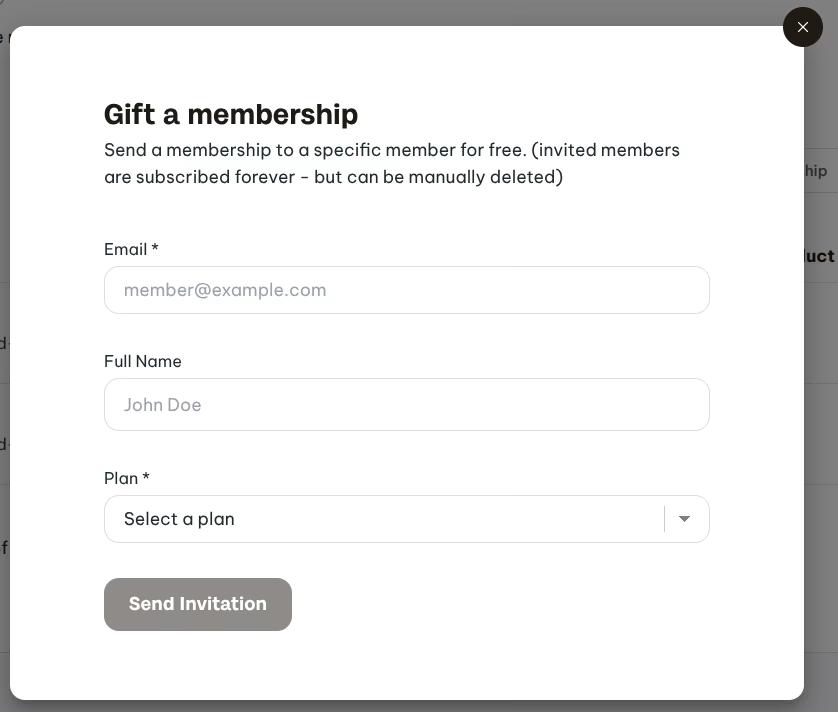
You can now send a gift membership invite to any non-member via the dashboard.
From the Members page, click on the Gift Membership button to send a free subscription to a specific email. Choose the plan, optionally add a name, and send the invitation. You can copy the invite link, resend it or revoke it from that same tab.
4. Embed widgets on any page, including other websites

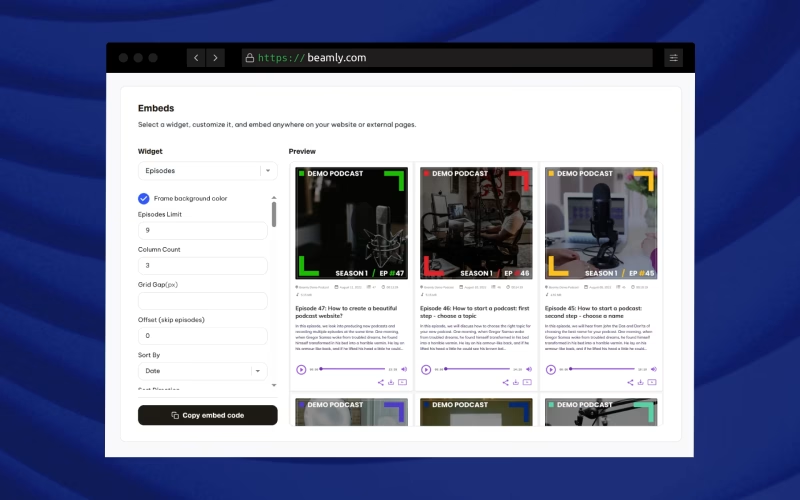
You can now generate custom embeds for your content under Site Settings > Embeds. Pick a widget, adjust the options, preview it, then copy the embed code. The snippet works on your own Beamly pages and on external pages: other websites, a course host, a company blog, a guest post, a Link-in-bio page etc.
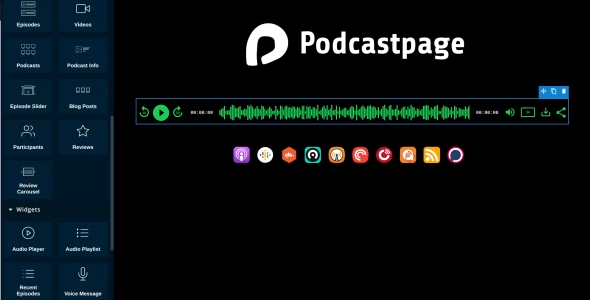
The catalog covers the blocks you can share off-site. Episode lists, the media player, recent episodes, playlists, video grids, subscribe buttons, reviews, participants, intake forms, blog posts, courses and lessons.
Also, from the episode and video lists you can copy a page link or an embed in one click.
5. An automatic llms.txt file for AI visibility
Every Beamly site now publishes an llms.txt file at yoursite.com/llms.txt. It stays in sync the same way the sitemap does. You can open it from Site Settings > Meta & SEO, next to the sitemap URL.
llms.txt is a small markdown file at a well-known path. It tells AI tools and LLMs what the site is about, which pages matter and how the content is organized. It does not replace your sitemap, schema or meta tags.
6. More episode automations
Earlier this year, new uploads started getting transcripts and show notes automatically. This time it’s about most of the rest of the episode data.
When you upload a new file, Beamly can now fill in a title, an excerpt and matching categories and tags from the transcript. We still highly recommend to review and edit before you hit publish, but it’s a huge time saver.
7. Podping and WebSub support for hosted podcasts
Podcasts hosted on Beamly now support Podping and WebSub. When you publish, the feed can notify the ecosystem instead of waiting for the next crawl. WebSub is the push protocol feed readers and some directories already use. Podping is the Podcasting 2.0 signal that indexers and apps watch for “this feed just changed.”
This is all managed automatically. Host the show on Beamly, publish the episode, and the notifications go out with the feed update. If the podcast is only synced from another host, that host still owns distribution pings but you can create another automation layer with our Zapier integration.
We’ve also expanded our Podcasting 2.0 coverage, so you can now find additional tags on your RSS feed like <podcast:funding>, <podcast:alternate-enclosure>, <podcast:guid> and a few more.
Questions, suggestions or feedback? Let us know!
That’s a wrap for this round of updates. We have a few major integrations and feature releases coming soon, so stay tuned.
If you have any feedback, want to suggest a feature, or need help – please don’t hesitate to reach out!