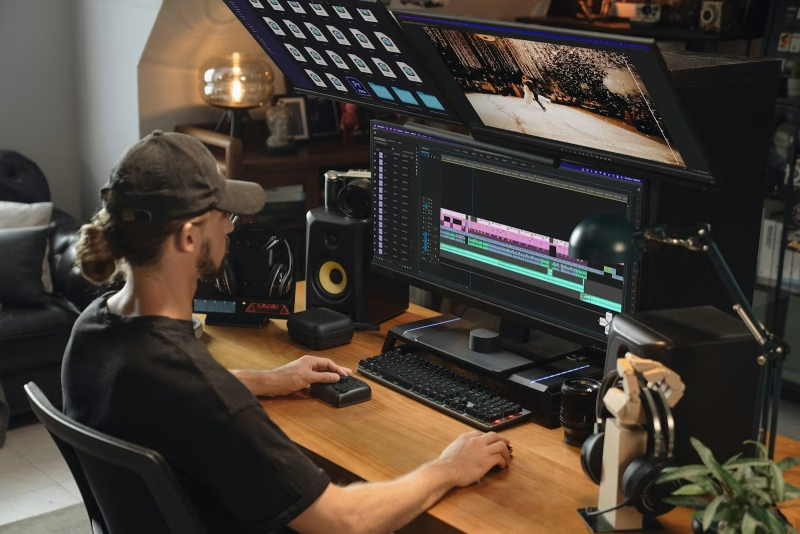
If you’re serious about podcasting, you’ll need to edit your episodes like a professional. Of course, this might sound daunting, but learning how to edit a podcast is not that difficult.
With the right tools and techniques, you can polish your show and make it more engaging. Plus, you won’t need to outsource the task to an expert, allowing you to save money.
In this guide, we’ll walk you through everything you need to know about podcast editing, from the basics of cutting audio to using editing software and cleaning up mistakes. Let’s dive right in!
Why Podcast Editing Matters
Podcast editing isn’t just about trimming the “ums” and “ahs” and removing long pauses. It’s about creating a smooth, enjoyable listening experience.
When done right, good editing can enhance clarity and audio quality. It can also improve pacing and flow, and create a professional, polished sound.
For instance, it allows you to remove mistakes, long pauses, or awkward moments. Plus, you might get a bit creative by adding music and sound effects.
Essentially, editing helps you convey your message more effectively and make your show more appealing to listeners.
How to Edit a Podcast in 7 Steps
Now, let’s show you how to edit podcasts, step by step.
1. Plan Your Recording
Before you hit record, you’ll want to make sure you have the right tools for decent audio. This will make the editing process less stressful.
Clear audio from the start reduces the time you’ll spend fixing issues later. If possible, use a quality microphone and record in a quiet space. It’s also smart to use headphones to prevent echo or audio bleed.
Plus, you should have a clear outline or script to avoid going off topic.
2. Choose Your Podcast Editing Software
Next, you’ll need to choose your podcast editing software. Popular options include:
- Audacity (Free and beginner-friendly)
- GarageBand (Great for Mac users)
- Adobe Audition (Advanced, professional-grade)
- Anchor.fm (Popular and user-friendly)
Select a tool that fits your budget, experience level, and needs. If the software offers a free trial, it’s a good idea to familiarize yourself with its features and capabilities before making a decision.
3. Import and Organize Your Files
Once you’ve recorded your episode, you’ll need to import all audio files into your editing software. It’s important that you label each file clearly to avoid mix-ups. For example, you might include the episode name and number.
Then, set up your timeline or workspace, and sync multiple tracks if needed.
To speed up the editing process, you might create a checklist before you start. It’s also a good idea to see what keyboard shortcuts are available with your editing software.
4. Edit for Content
This is possibly the most important part of the editing process. You’ll want to start by trimming the fat. This involves:
- Removing long pauses, “ums,” repeated words, or tangents
- Editing out mistakes or false starts
- Shortening segments that drag or go off-topic
Then, you’ll want to rearrange or re-record sections as needed. For example, you might cut and move sections if they work better in a different order.
5. Clean Up the Audio
This is where your podcast starts to shine. Start with a basic cleanup, which involves removing background noise, as well as mouth clicks, pops, or hisses.
If there are speakers on your show, you’ll want to balance the audio levels so no one sounds too loud or too quiet.
You’ll want to use the following features, which are available with most podcast editing tools:
- Compression: Makes volume levels more consistent
- EQ (Equalization): Enhances vocal clarity by adjusting frequencies
- Normalization: Ensures the overall volume matches standard levels
Don’t worry if this sounds too technical: many tools offer presets or automatic options to simplify the process.
6. Add Music and Sound Design
Now that your dialogue is clean, you can add elements to elevate the episode. Here are some ideas:
- Intro/outro music to set the tone and create brand consistency
- Segment transitions like sound effects to mark sections
- Background music, though you’ll want to use it sparingly, and ensure it doesn’t distract from the dialogue
Remember to always use royalty-free music or get proper licenses to avoid copyright issues.
7. Finalize and Export
Once you’re happy with your edits, listen through the entire episode to double-check for glitches or errors.
Then, export to MP3 or WAV, depending on your publishing platform’s preferences (MP3 is most common), and add metadata, such as episode title, host name, and podcast art.
Your episode is now ready to be uploaded to your podcast host or website!
At Beamly, we make it easy for you to upload your episodes. If your podcast is hosted on another platform, you can easily import it to your podcast website: all you need to do is provide an RSS feed URL.
Common Podcast Editing Mistakes (and How to Avoid Them)
If you’re editing your podcast for the first time, it’s easy to make mistakes. Here are some common issues to avoid:
- Over-editing. Removing every “um” can make the conversation feel robotic. Try to keep it natural.
- Ignoring volume consistency. Fluctuating audio levels can be very off-putting and make it difficult for listeners to follow the conversation.
- Skipping a final listen. Always review your episode before publishing. This will help you catch any errors you missed.
- Using poor-quality source audio. You can’t fix an episode that was never recorded well to begin with. So, make sure to start with clean input.
If you’re not confident about editing your podcast, you might consider outsourcing the task instead. This can also be a good solution if you publish frequently (so you have less time to edit) or if you want to focus on content creation and monetization.
Conclusion
Learning how to edit a podcast is essential to your show’s success. It will help you project a more professional image and make your episodes more engaging and pleasant to listen to.
You’ll want to start by choosing the right editing software for your needs and budget. Then, clean up background noise, awkward moments, and other unwanted sounds. You’ll also want to adjust audio levels for all speakers, and perhaps add sound effects and intro music to make your show more interesting.
Once you edit your episodes, you’ll want to publish them on your podcast website. Beamly provides easy imports, a customizable audio player, and other user-friendly tools. Get started today!