Build your podcast website today
Choose your podcast site template and get started today.
No coding required.
- No credit card required
- 14 day trial
- 30-second setup

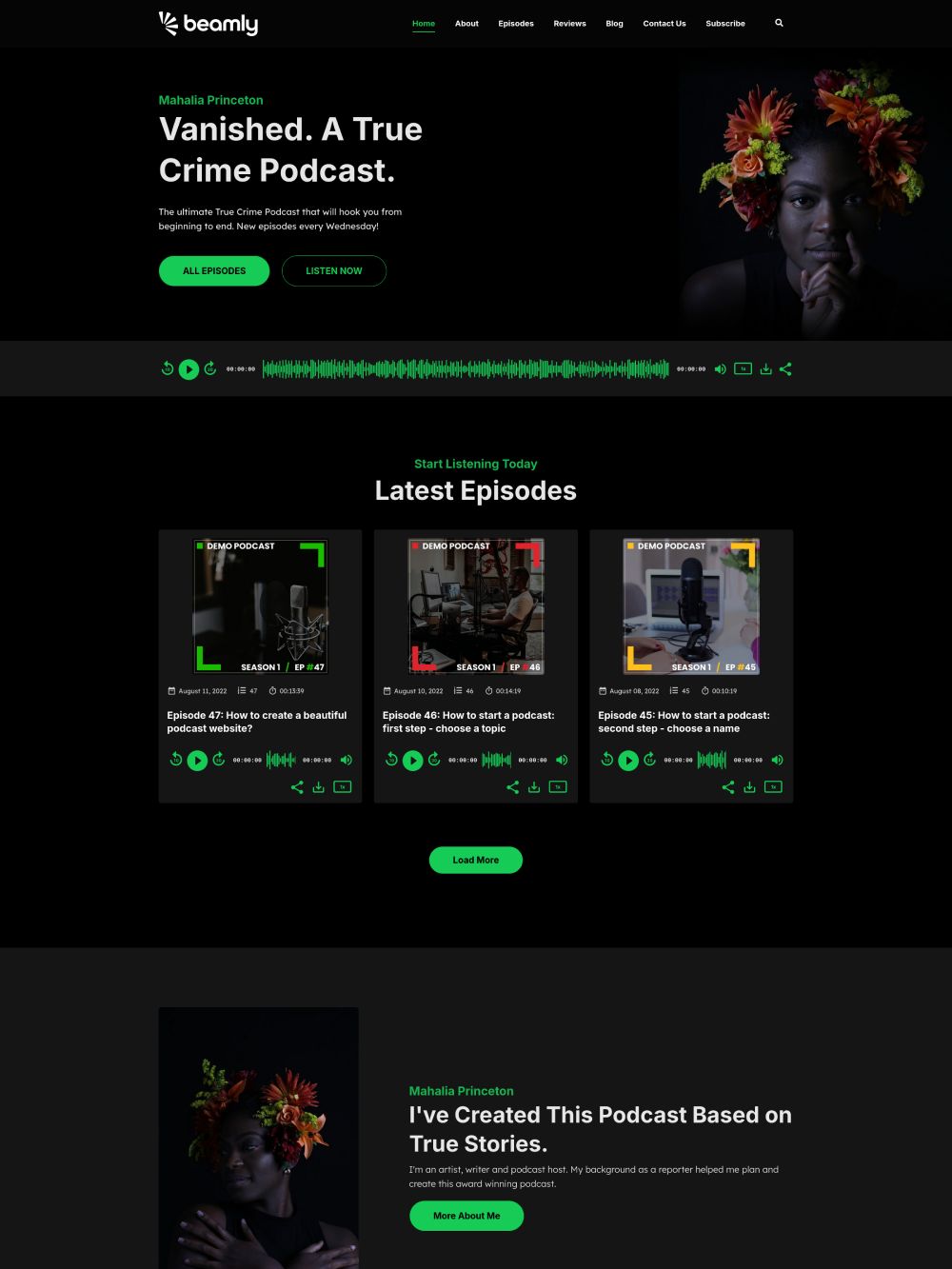
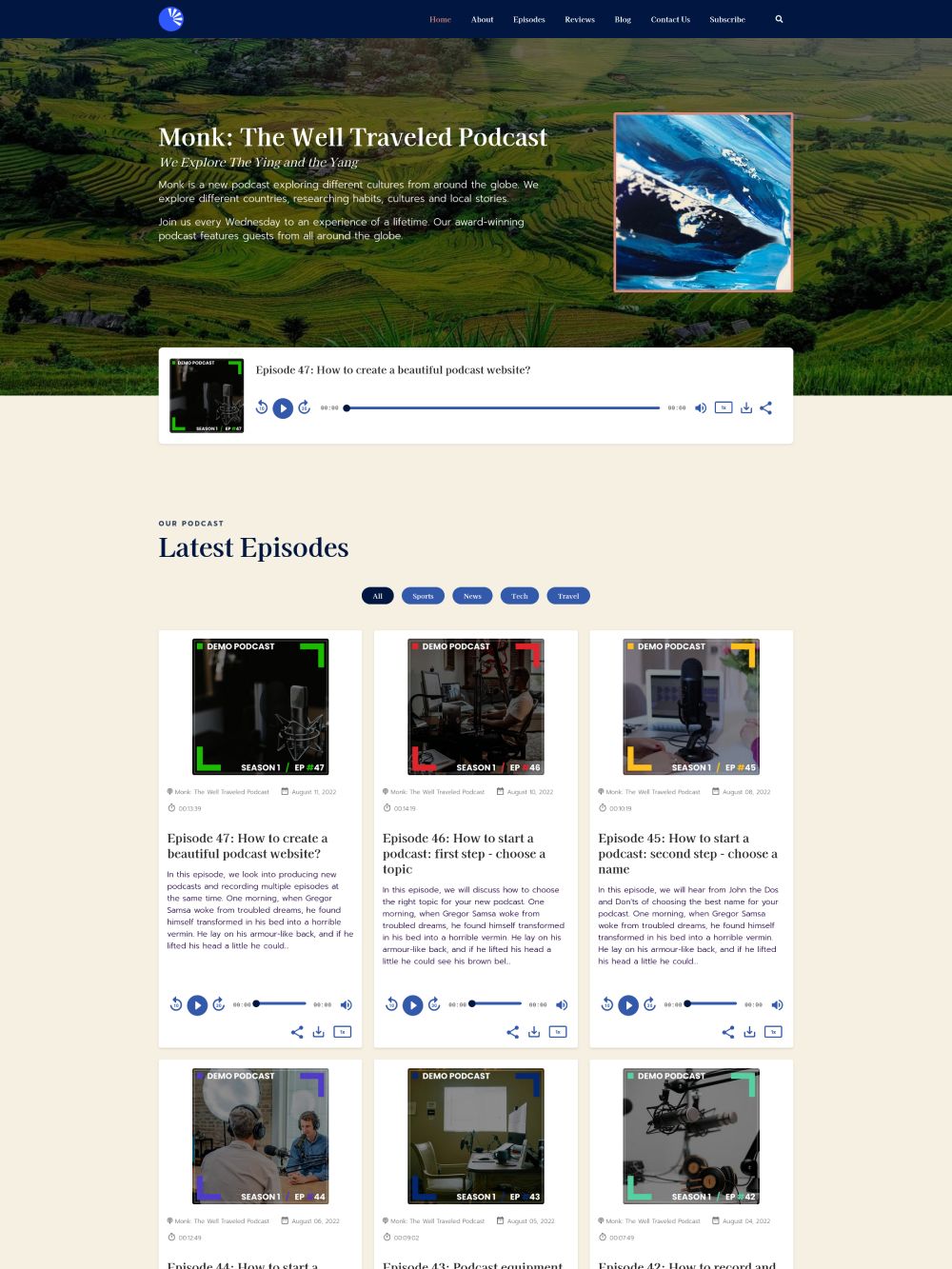
A bold, dark podcast website template that makes your episodes and player stand out.
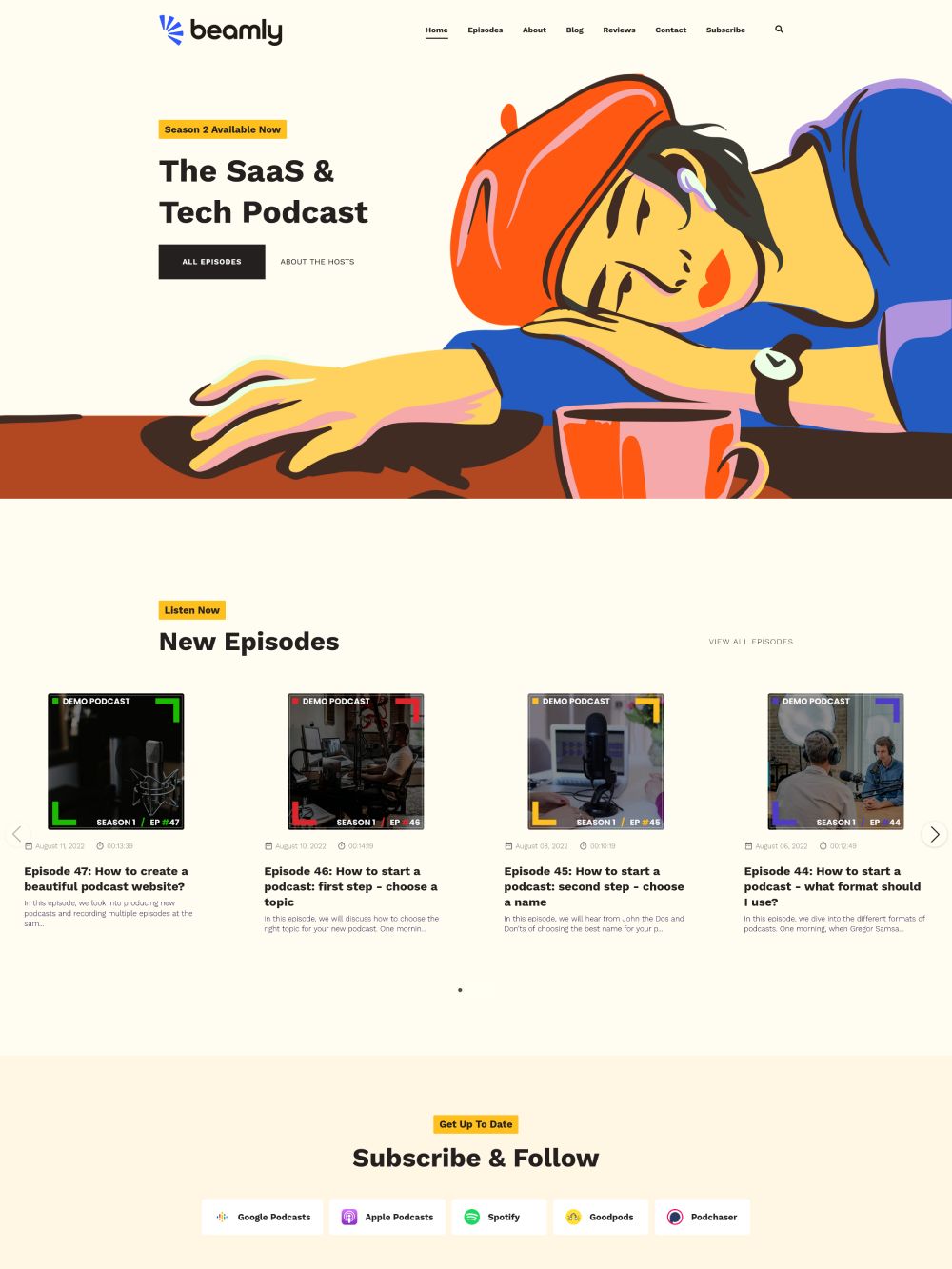
A professional template for podcasters who want a clean homepage and a strong design.
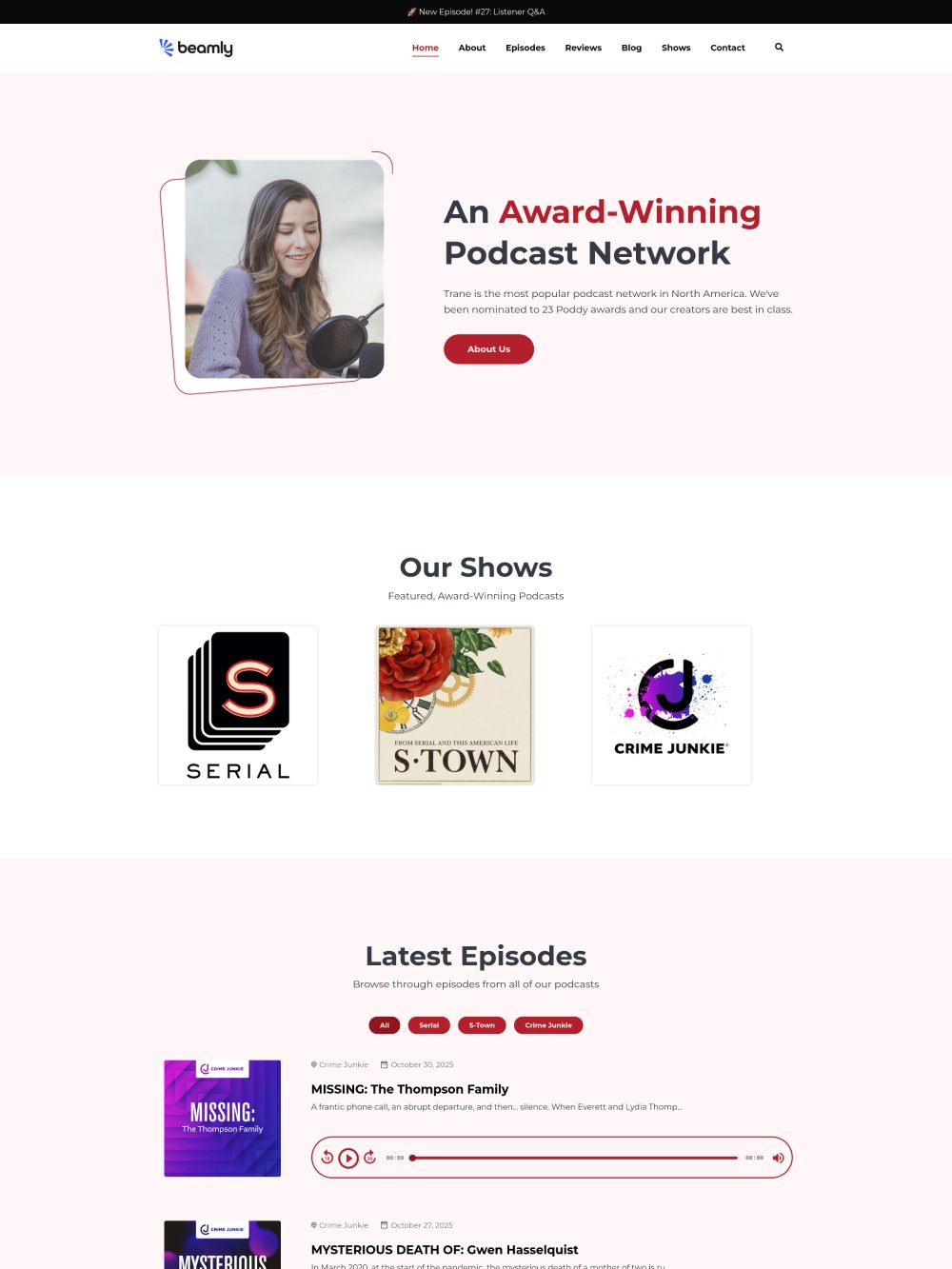
A modern layout that works great for business podcasts and podcast networks.
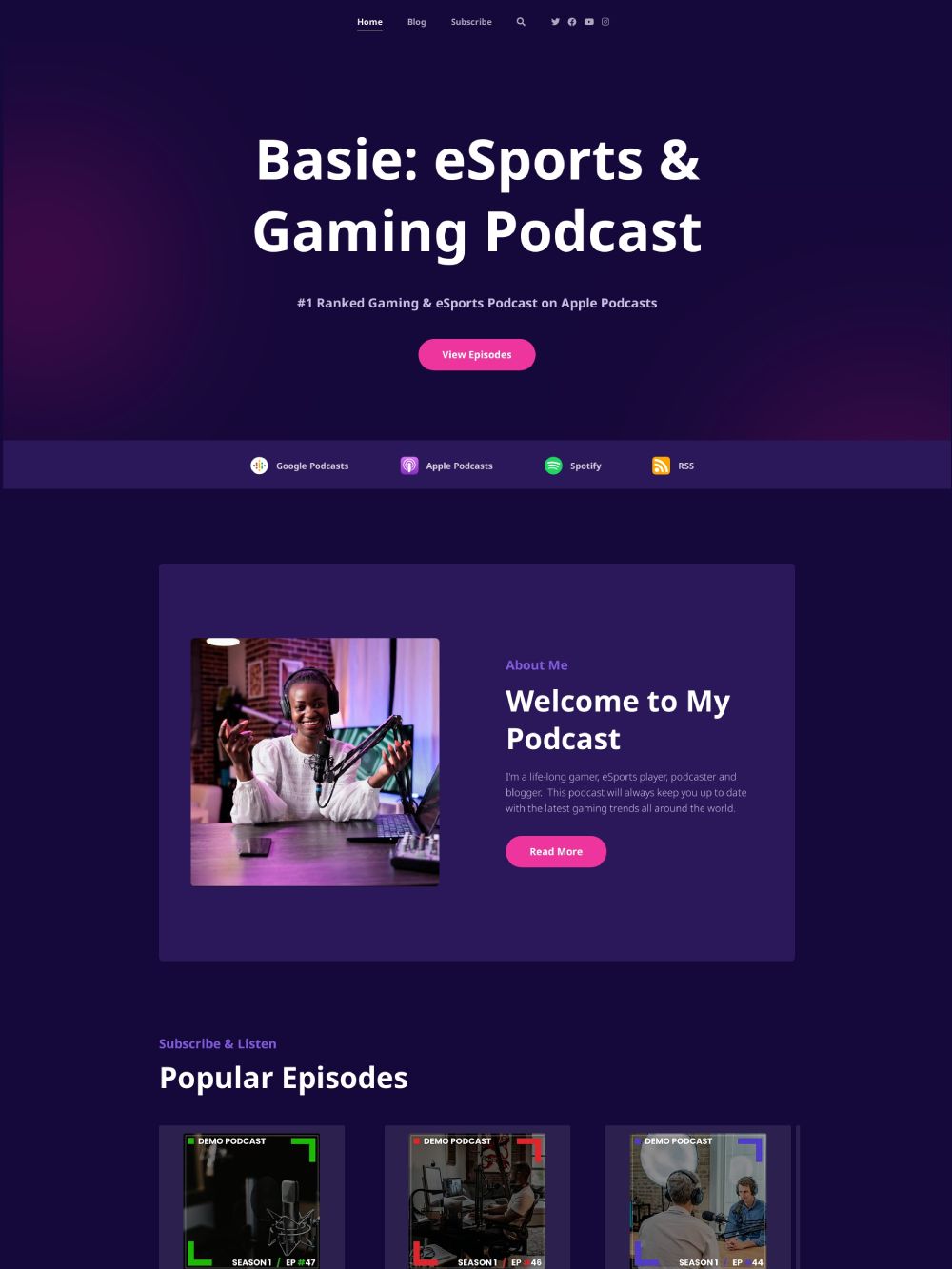
A playful dark theme with neon touches that stands out for entertainment podcasts.
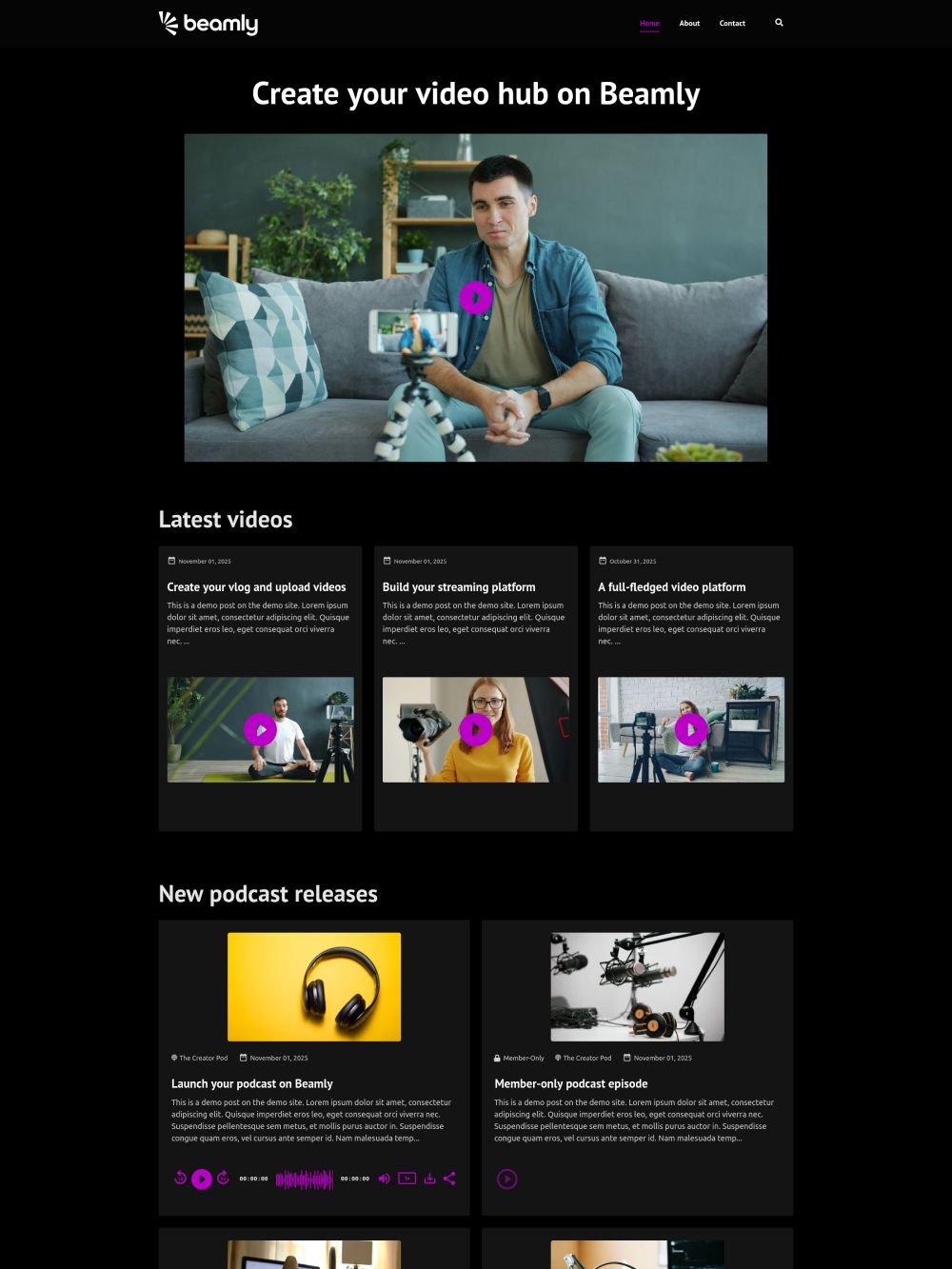
A unique, video-first podcast template. Works great with audio and video podcasts.
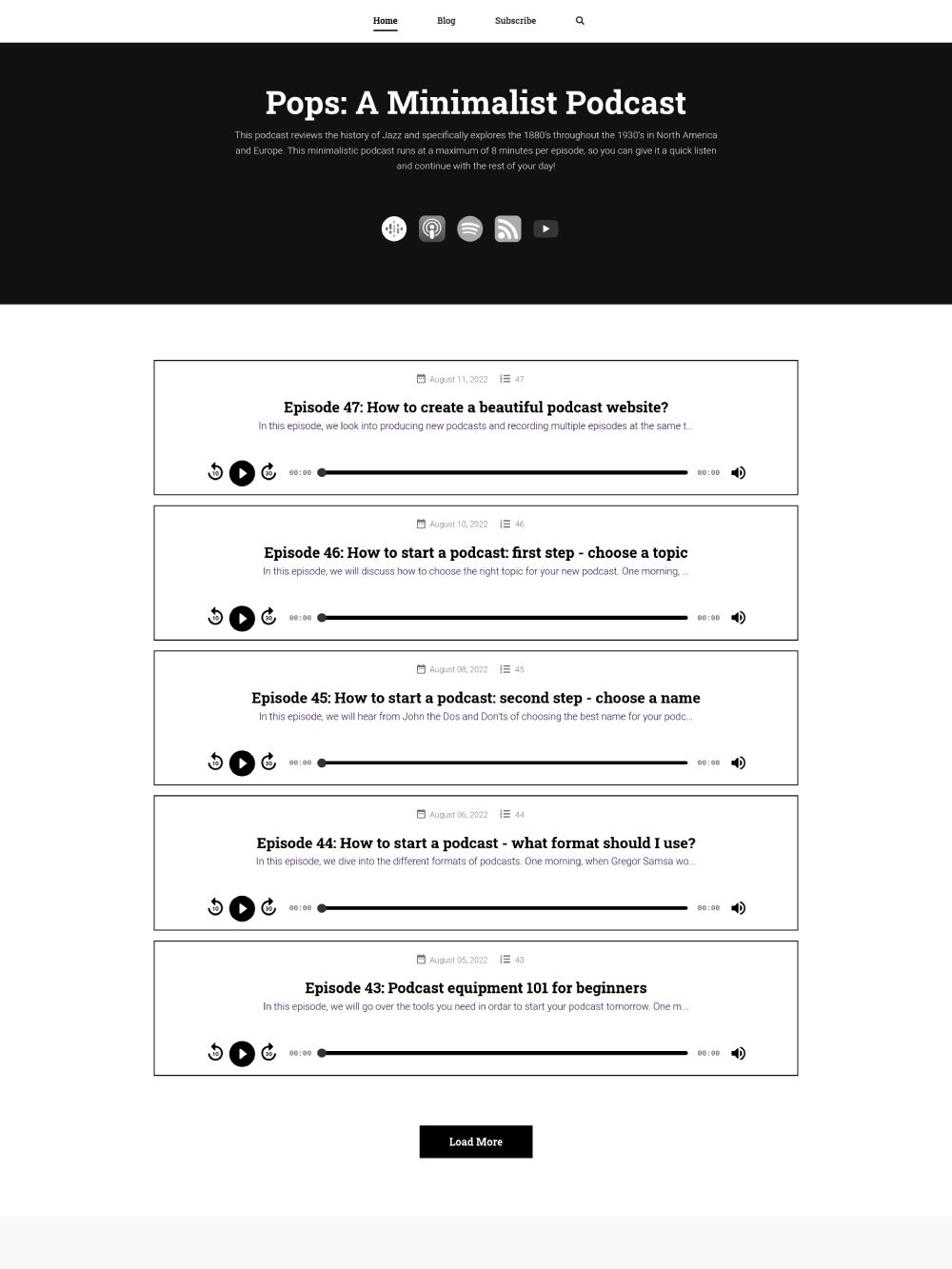
A minimalist monochrome template that keeps the focus on your episodes and show details.
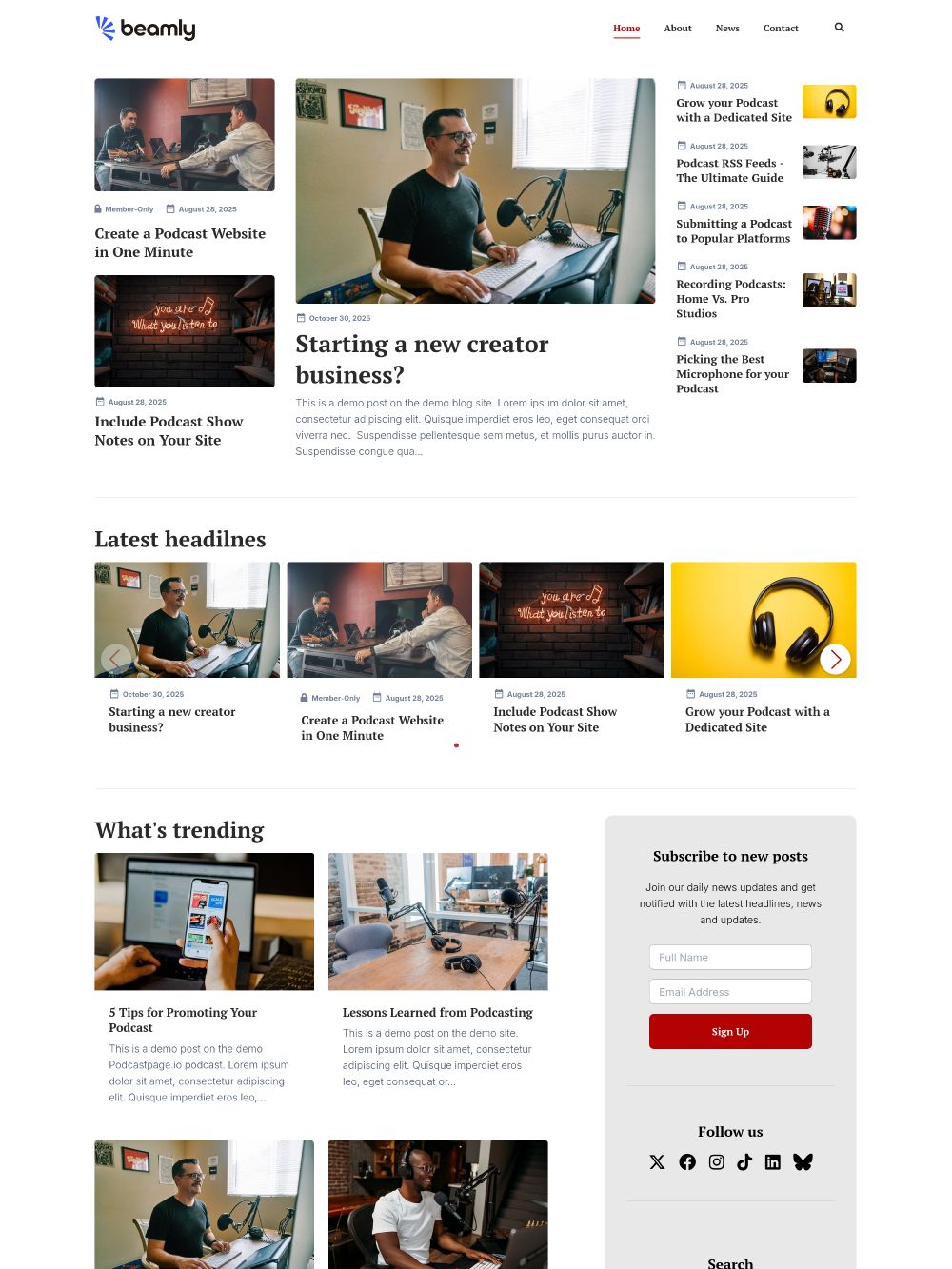
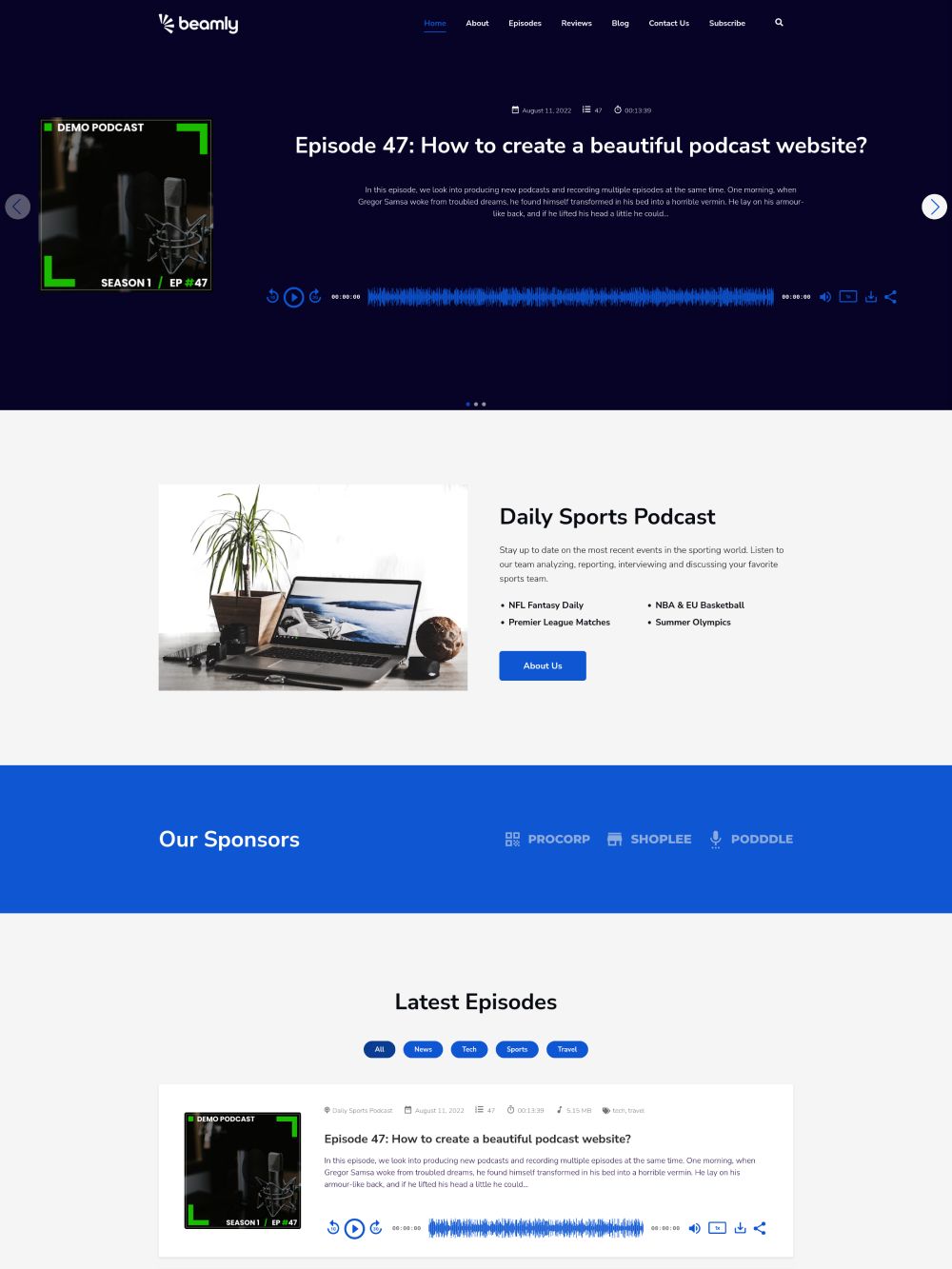
A clean template with bold sections for featured episodes, categories, and calls-to-action.
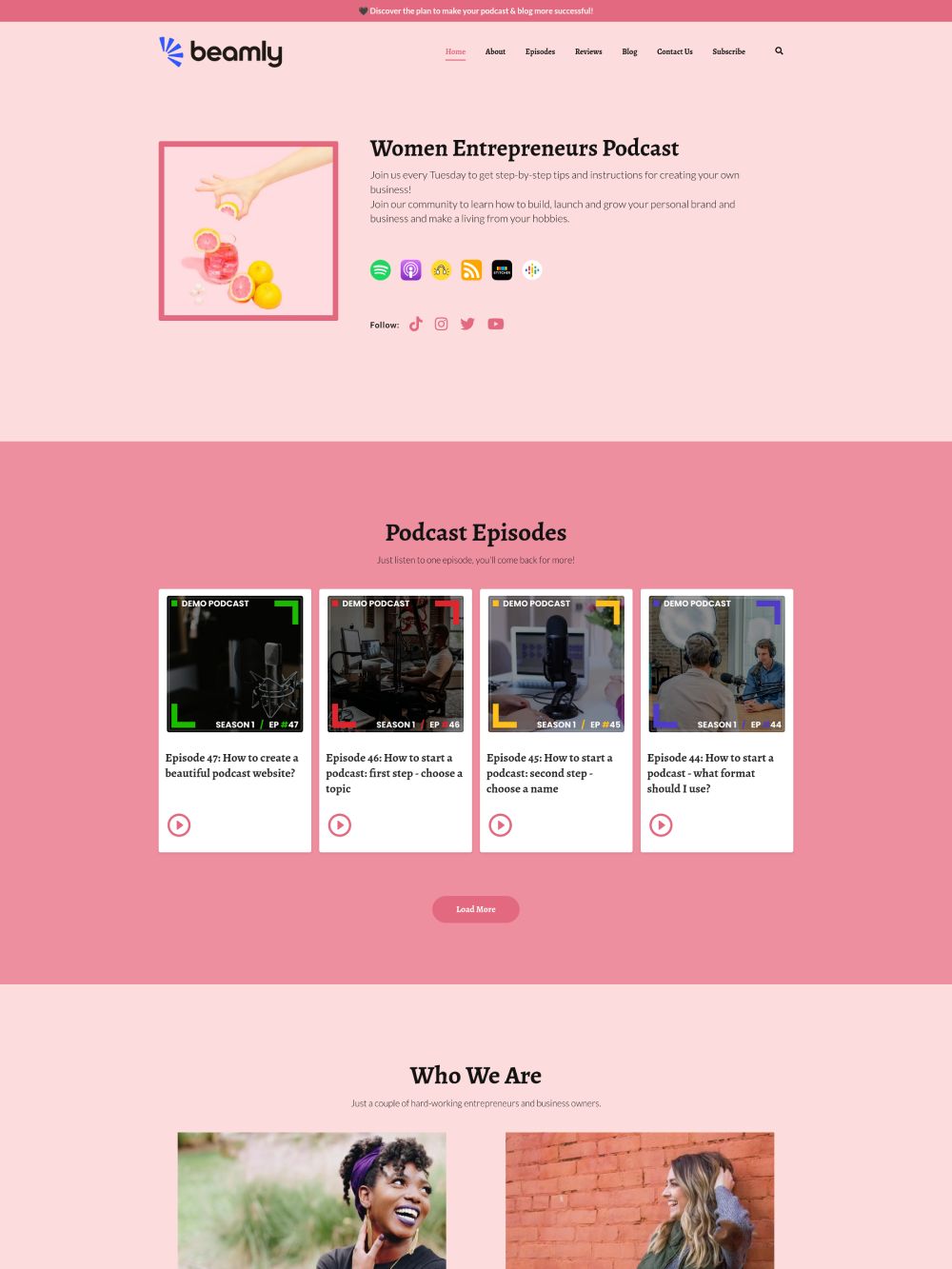
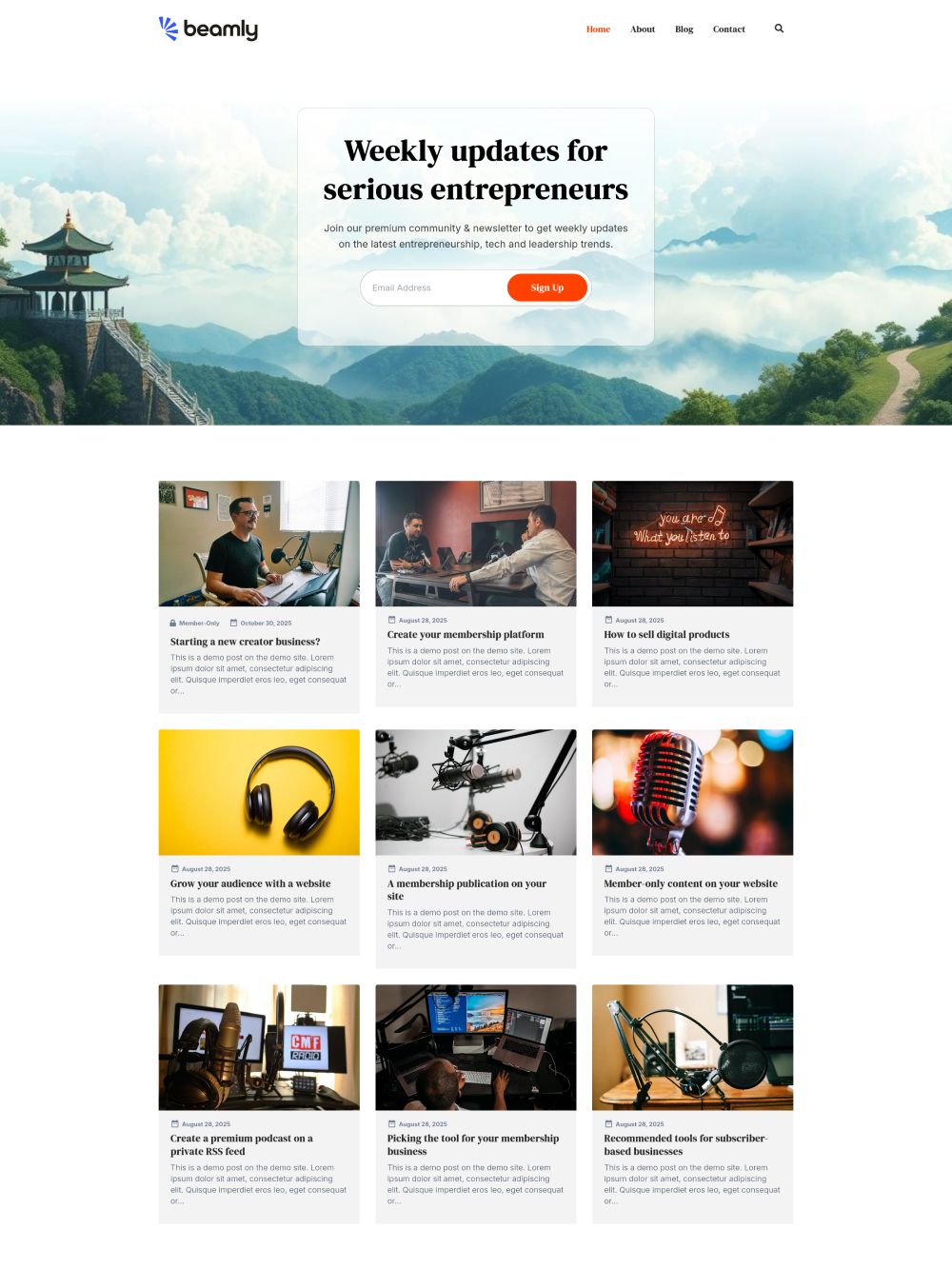
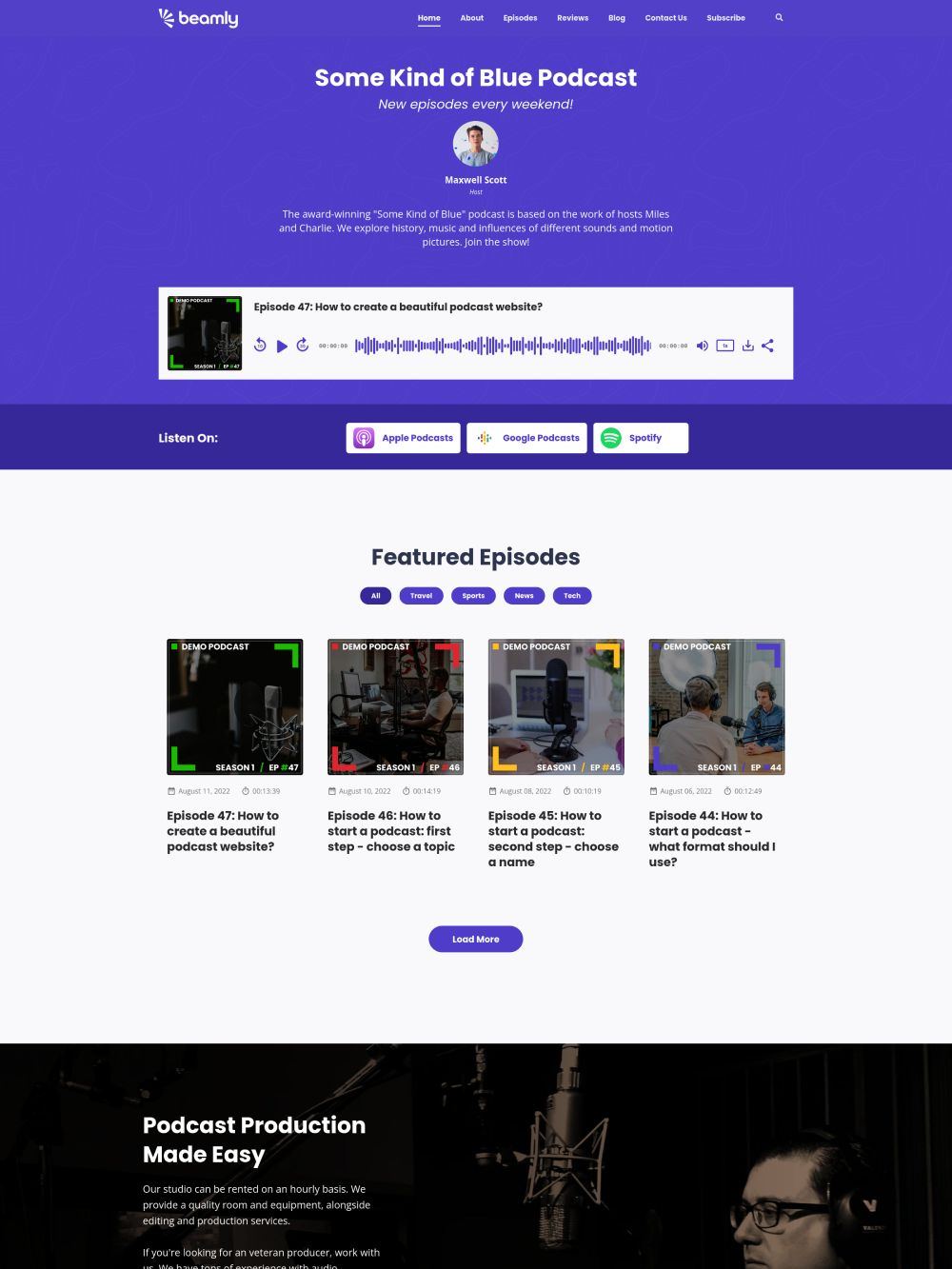
A colorful podcast website template with strong CTA sections for subscribe and membership offers.
A great podcast website template helps visitors do a few things quickly: press play, find the best episodes, and subscribe.
Want the platform behind the template? Start with the podcast website builder.
Finding the right podcast website template is a big deal – it affects how easy it is for new listeners to press play, binge episodes, and subscribe.
But the platform matters just as much. A good podcast website builder should automate episode imports, generate episode pages, and give you podcast-specific tools like subscribe buttons, transcripts, and a customizable player.
Beamly combines professionally-designed templates with a podcast website builder that can import your show from any RSS feed and keep your site updated automatically.
Helpful next steps:
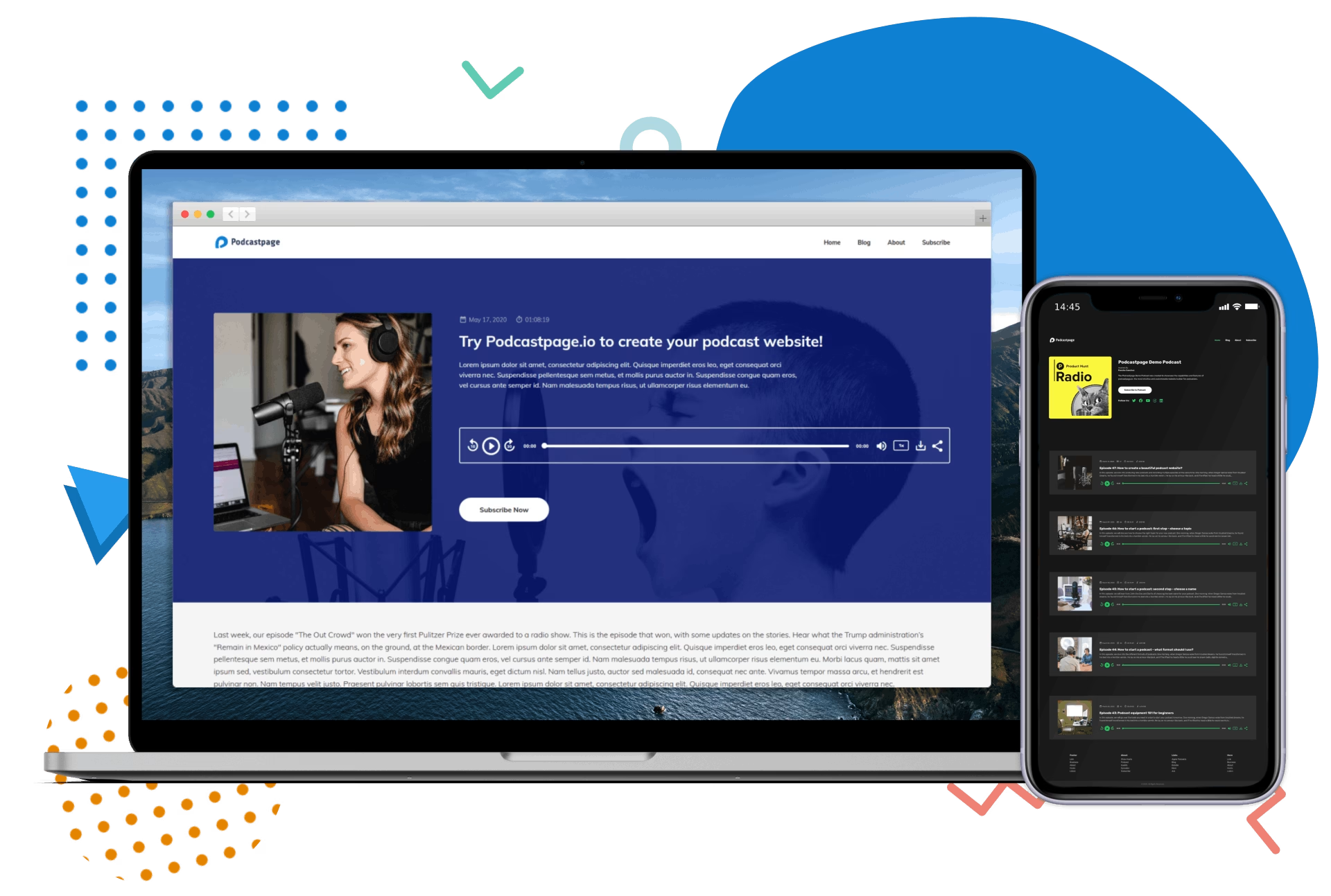
Explore our podcast website templates
Our best-in-class templates are all powered by the the Beamly website builder. Besides colors and design, the templates have similar functionality and capabilities.
Any widget, section or layout you see in one template can be used on any of the other templates too!
All templates are free as long as you have a paid account on Beamly. You can easily switch between templates, add sections and content blocks to your pages and literally decide exactly how your website will look like. These are the best podcast templates out there.
When you log in to your account, you can select any of the templates for free – there’s no additional cost involved and they’re all available on all plans. Find out more about our pricing here.
Yes. Connect your podcast RSS feed and Beamly automatically imports your existing episodes into individual episode pages, then keeps new episodes and updates synced as you publish.
Beamly also imports core metadata like titles, show notes, artwork, and available subscribe links. If you want a deeper walkthrough, see automated podcast websites.
Yes. You can show show notes and transcripts on episode pages. We try to import or generate your transcripts automatically, but you can also request additional transcriptions when needed.
Yes! Beamly comes with a drag & drop page editor so you can easily modify the content, layout, styles and more.
We include some 20+ custom widgets (audio player, episode list, sliders and carousels, guests & hosts, blog posts and more) so you can add a lot of personality and content to any template.
No – Beamly is a standalone, all-in-one creator platform. We develop our own CMS and templates and it’s not based on WordPress or on anything else.
There’s nothing to worry about – our whole platform is no-code and you’re not expected to be a developer or have any type of technical background.
These website templates were professionally-designed and built with ease-of-use in mind. You can easily apply any template and just change the content.
Sure. You can easily change between the templates via the “Customize” screen. Changing that will just apply the new design and color settings without changing your content.
If you want to get the same page-layout as any of the above templates, simply create a new page and add the required pre-saved template.
Yes. You can gate episodes and pages with memberships and run premium offerings. Start here: podcast memberships, private podcasts, and premium podcasts.
Of course! If you prefer one template or the other, but don’t like the color scheme, you can easily change all colors, fonts, and other layout options in the “Customize” screen.
Discover a creator-focused website platform. Beamly comes with beautiful templates for podcasters and all types of creators.
Customize your podcast audio player in so many ways! Use a continuous or “sticky” audio player across the entire site, display your podcast host embed player, or change the default audio controls.
Connect your RSS feed and Beamly automatically imports existing episodes, then keeps new episodes and updates synced so your site stays current without manual publishing.
Add podcast subscribe buttons, social sharing, and connect analytics and email tools so your podcast website supports growth.
Need more content alongside your podcast episodes? We’ve got you covered. Beamly.com lets you create a full blog, where you can separately post articles or transcripts. You can also create custom pages.
Start from podcast-ready layouts designed to highlight your player, latest episodes, and a clear path for new listeners.
Customize colors, typography, page layouts, and podcast widgets like episode lists, categories, and subscribe buttons.
Host your podcast on Beamly or connect an existing RSS feed. Hosting and SSL are included, so you can focus on publishing.
Build fast pages with SEO controls, sitemaps, and structured data so your podcast website can be discovered.
Beamly supports your podcast and more. Publish a blog, upload videos, and sell online courses and digital products from the same site.
The platform is easy for beginners and professionals alike. In case you need help, we’d be thrilled to hear from you!
Choose your podcast site template and get started today.
No coding required.
